
random partner generator
Random Partner Generator: When to Use Partner Picking Instead of Groups
Discover when a random partner generator works better than random groups. Learn pairing strategies for classrooms, workshops, and team building that boost participation.

Every educator and facilitator has faced the moment — you need to split a room into teams for the next activity. Do you create groups of four or pairs? While random groups are a staple of collaborative learning, there are many times when a random partner generator (also known as a random pair generator) is the sharper tool. Pairs create less social friction, demand more from each individual, and can be arranged and rearranged in seconds. In this article we look at the specific situations where partner picking outperforms group work, how to make it fast and fair, and the practical steps to integrate a partner generator into your day.
Why Partner Work Often Outperforms Group Work
In a group of four or five, it’s easy for quieter participants to fade into the background. With only two people, there is nowhere to hide. This immediate accountability is one of the main reasons language teachers, corporate trainers, and workshop leaders reach for a partner generator. Each person gets twice the talk time, twice the thinking-out-loud moments, and very little opportunity to rely on a single dominant group member.
Research on cooperative learning consistently shows that pair structures lead to higher individual engagement. When only one other person depends on you, the social loafing that can plague larger groups virtually disappears. For short, focused tasks — think-pair-share, peer editing, practicing a sales pitch, or interpreting a graph — the pair is often the perfect unit. A random partner generator also eliminates the awkward “find a partner” scramble, which inevitably leaves the same students paired over and over.
Logistically, pairs are faster to form and easier to seat. There are no complicated classroom rearrangements; students simply turn to a neighbor or share a single screen. For facilitators running tight agendas, the speed of a partner-based activity can mean the difference between a well-paced agenda and a rushed one.
5 Scenarios Where a Random Partner Generator Shines
While groups remain valuable for projects that need a division of labor, many everyday tasks thrive on partner work. Here are five clear-cut scenarios where a partner generator will serve you better than a random group generator.
1. Icebreakers and First-Week Community Building
At the start of a new class, training cohort, or conference, you want participants to connect one-on-one. A pair activity, like a two-minute “tell me something surprising about yourself,” builds personal bonds faster than a group circle. Use a partner generator to create fresh pairs for each round; the novelty keeps nervous energy in check and gives everyone a handful of quick social wins.
2. Think-Pair-Share Exercises
Think-pair-share is a classic for a reason: the individual reflection stage primes the pump, the pair stage confirms thinking without the pressure of a crowd, and the share stage surfaces the best ideas. A random partner generator removes the teacher from the matching equation, so students see that pairings are fair and not based on ability or friendships.
3. Peer Review and Feedback
Whether it’s middle school essays or business proposals, giving and receiving honest feedback works best in pairs. The reviewer can concentrate on a single piece, and the writer gets undivided attention. Swap partners between drafts with a quick regeneration, and you’ve built a simple, repeatable feedback loop that feels more like coaching than evaluation.
4. Skill Drills and Role-Plays
Customer service scripts, medical interview practice, coding pair programming — all of these rely on back-and-forth interaction, not a committee. A randomized partner picker ensures that experienced staff members get matched with newcomers, spreading institutional knowledge without managers having to choose pairs manually.
5. One-on-One Check-Ins and Mentoring Moments
Even in a class of 30, you might want to pair students for a brief personal check-in or peer mentoring. A partner generator can quickly create these pairs without anyone feeling singled out, and the temporary nature of the pairing keeps the conversation light and supportive.
How to Use the Random Pair Generator for Partner Picking
Getting started with a partner generator takes less than a minute. Follow these steps to move from list to pairs.
- Input your list of names. Copy and paste a roster from a spreadsheet, type names one per line, or import a list from a Google Classroom or Zoom participant file. The tool accepts plain text, so there’s no special formatting required.
- Choose the number of pairs. By default, the random partner generator tool splits the list into pairs of two. If you have an odd number, you’ll get one group of three — or you can choose to leave one person as a “floater” and reassign them manually.
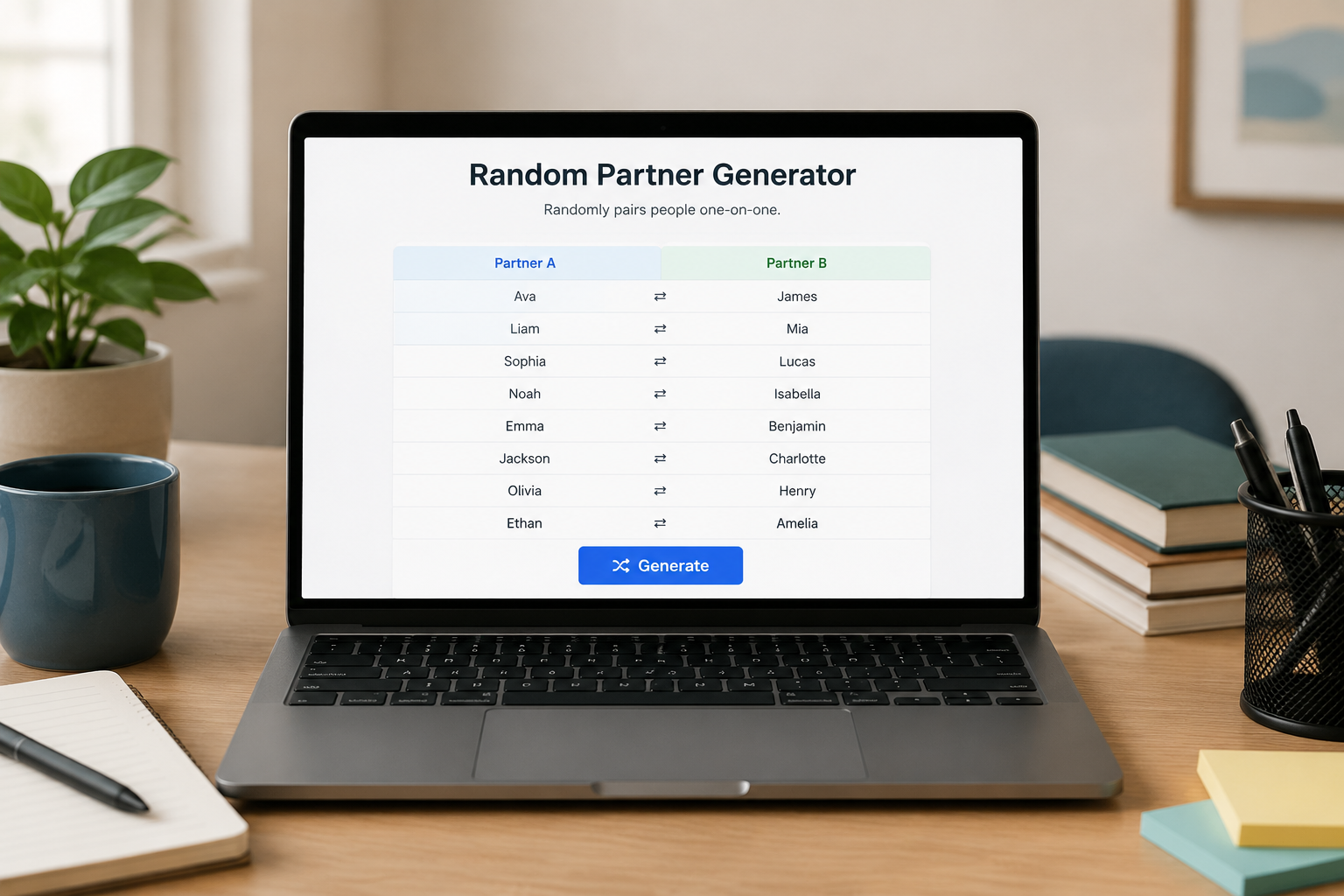
- Click “Generate.” The tool shuffles the list and displays the new pairs instantly. Each person appears in one pair only, so there is no confusion about who is working with whom.
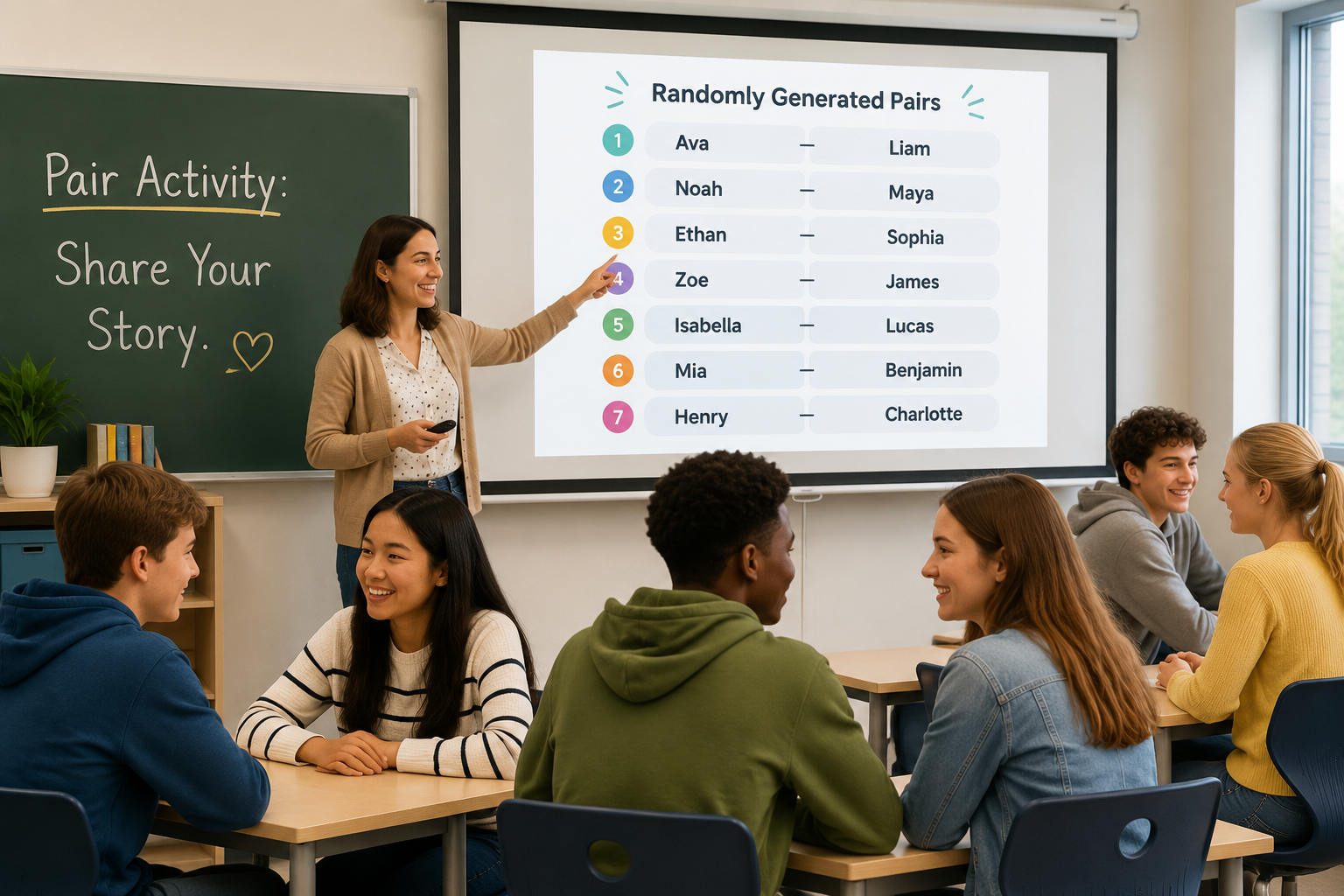
- Display or share the results. Project the partner list on a screen, copy the pairs into a slide, or paste them into a chat message. Many facilitators keep the generator open on a second monitor and regenerate pairs between rounds with a single click.
- Regenerate when needed. If you want new pairs for the next activity — say, a second round of peer feedback — simply hit “Generate” again. The tool does the reshuffling; you focus on the content of the activity.
For classrooms with one-to-one devices, you can even share the tool’s link and let students see the pairs directly. This reduces the teacher’s role to that of a facilitator, not a matchmaker.
When Groups Still Make Sense (And How to Choose)
Partnerships are not a one-size-fits-all solution. Complex projects that require varied skills — like building a model, launching a mini-campaign, or conducting a multi-day research task — often work better in groups of three to five. The larger pool of perspectives can spark richer discussion, and the labor can be divided across roles: timekeeper, recorder, presenter, materials manager. For those moments, a random group generator lets you create balanced teams of any size.
A good rule of thumb: if the activity is conversation-heavy and short (under 15 minutes), prefer pairs. If the activity requires multiple skill sets and lasts more than a session, try groups. And if you need to select one person to demonstrate or lead a debrief, a random student picker can make the choice quick and impartial.
You might even combine tools. Start with a partner discussion, then merge pairs into groups of four using the group generator. This “pyramid” structure lets participants test their ideas in a low-risk pair before scaling them up to a larger team.
Practical Pair Strategies for Different Audiences
A random partner generator isn’t just for school. Here’s how facilitators in different settings use pairing to raise engagement.
K-12 Classrooms
Teachers use pairing to make sure every student speaks during a lesson, especially in language, literacy, and math. Instead of the same pairs every day, a quick regeneration builds a class culture where working with anyone is normal. Tip: combine the partner generator with a group name generator to give each pair a fun name (“Team Saturn,” “The Word Wizards”), which adds a light, game-like feel.
Higher Education and Adult Learning
In college seminars and professional development workshops, participants often dread forced networking. A transparent, randomized partner picker removes that dread because everyone can see the process is fair. Lecturers report that even quiet students contribute more when they know they’ll only be speaking to one person at a time.
Corporate Training and HR Onboarding
New hires often find large group exercises intimidating during their first week. Pair-based scavenger hunts, role-plays about workplace scenarios, and buddy interview sessions all work better when the pairings are random and rotated. Facilitators can use the partner generator to create a “speed networking” circuit, generating new pairs every three minutes.
Virtual and Hybrid Events
With distributed teams, getting people into breakout rooms quickly is a genuine pain point. A partner generator that integrates with platforms like Zoom or Microsoft Teams can push pairs directly into rooms, saving precious meeting minutes. Even without a direct integration, pasting a partner list into the chat gives everyone a clear destination. The simplicity of two-person rooms also reduces the audio confusion that plagues larger breakout groups.
Pairing Pitfalls to Avoid
Even with a trustworthy partner generator, a few mistakes can undercut the experience.
- Ignoring odd numbers. Always have a plan for that extra person. You can allow a group of three, join the pair yourself as a participant, or assign the odd person as an observer who later reports on what they noticed.
- Not announcing the pairing method. Let participants know that the tool is random. This transparency builds trust and nips the “you did that on purpose” reaction in the bud.
- Forgetting to reset between activities. If you reuse the same list without regenerating, pairs stay identical. Make it a habit to hit “Generate” before every new partner task.
- Assuming one tool works for every purpose. A partner generator is not a group generator. If you need teams of four, use the group tool. The right tool for the right task keeps participants from feeling jumbled.
Frequently Asked Questions
Is a random partner generator the same as a random pair generator?
Yes. The two terms are used interchangeably on our platform. The random pair generator is the tool that creates partners, whether you call them pairs, partners, or buddies.
What happens if I have an odd number of names?
The partner generator will automatically create one group of three for the last odd person. If you prefer not to have a trio, you can manually set the group size or remove one name before generating.
Can I prevent the same pairs from forming twice in a row?
The shuffle is purely random, so occasional repeats are possible, especially with small lists. To reduce repeats, you can generate a few extra pairs at once and rotate through them, or use the “history” feature if your tool offers one.
Does the tool work with Google Classroom or Zoom?
While the partner generator itself is web-based and works anywhere, you can use the copy-paste method to bring your list into the tool from Google Classroom, Zoom participant lists, or any spreadsheet. Direct integrations vary by platform; consult the tool’s help section for the latest information.
Can I save the pairs for later?
You can copy the generated pairs into a text file, slide, or chat message for later reference. Some users paste the list into a shared document so that participants can always check their assigned partner.
Ready to Make Pairing Effortless?
A random partner generator is one of those small adjustments that yields an outsized impact on participation, fairness, and pacing. The next time you’re about to divide a room, ask yourself whether pairs, not groups, would do the job better. Head over to the random partner generator tool and see how fast you can create fair, engaging pairs for your next activity.