
Paste any simple list
Add student, teammate, attendee, or player names with commas or line breaks.
Group Results
Drag and drop members to refine teams, export CSV, or save to historyAdd participants and click generate to see your balanced groups appear here.
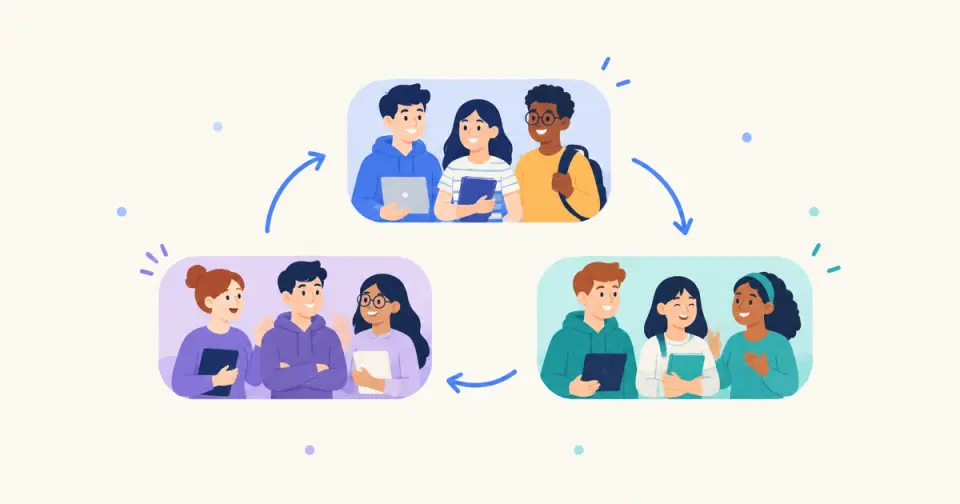
Use this free random group generator to split any roster into fair teams in seconds. Paste names, choose the number of groups, and generate a clear group randomizer result for classrooms, workshops, sports, or events.
Turn a full list into random groups or teams without spreadsheets or manual shuffling.
Generate teams teachers, facilitators, and coaches can announce immediately.
Stay here for multi-team splits, or jump to Random Pair Generator for partner-only work.
When to use this random group generator
Reach for this page when a whole roster has to become three or more teams at once: class project groups, workshop breakout rooms, training cohorts, team rotations, or game brackets. A plain shuffle is the right default when no skill, gender, or role rules apply.
One pass takes seconds: paste the list once, set the group count, and read out balanced teams without building a spreadsheet formula or drawing names from a hat. If every person only needs a single partner, switch to a pair generator instead.
Follow this short workflow to move from a name list to usable random teams.
Paste names with commas or line breaks. A plain list is enough for most group generator tasks.
Choose how many groups or teams you want. Keep the setup simple unless the activity needs extra rules.
Run the random team generator and check that the group sizes make sense for the activity.
Copy the random groups into your lesson plan, workshop notes, event chat, or game lobby.
A focused tool for turning a roster into usable groups or teams.
Add student, teammate, attendee, or player names with commas or line breaks.
Use the group generator when you need several teams instead of a single partner.
Results are easy to project, announce, or paste into another tool.
Keep the same simple randomization flow for different group-making jobs.
Split students into discussion pods, project teams, or lab groups quickly.
Create workshop teams, onboarding groups, and breakout activities without manual sorting.
Use a random team generator when volunteers, players, or attendees need quick teams.
Use the right page for the kind of randomization you actually need.
Stay here for broad group or team generation from a full list.
Use Random Pair Generator when everyone only needs one partner.
Use the spin wheel comparison when you are deciding between live picking and full group generation.
A practical group generator for people who need quick teams from a list.
Split a class into random groups for discussions, projects, lab work, or review games, and read each group as a row when you need a quick seating reshuffle.
Rotate discussion partners across a training day, mix departments for cross-team projects, and keep onboarding cohorts from clustering by existing team.
Make random teams for practice games, drills, club events, or casual tournaments.
Assign attendees, volunteers, or participants into groups for live activities.
How a 28-student class becomes four project teams without clique defaults
A middle-school teacher needs four mixed project teams of seven from a roster of 28. Manually picking names takes several minutes, and students usually end up next to the same friends. The teacher pastes the roster, sets four groups, generates once, and projects the result so the process is visible.
If two strong writers land together, the teacher regenerates once or swaps a single pair after announcing the rule: one free swap only if a role constraint is broken. The class sees that randomness, not favoritism, produced the teams. Setup to announcement usually takes under two minutes.
What “random” means in this group generator
The generator shuffles the roster and slices it into the requested number of groups. Empty lines are ignored; repeated names remain separate entries, so enter each person once unless identical names represent different people. The participants are distributed as evenly as possible.
Optional constraints (when enabled in the form) are applied as fairness checks after the shuffle rather than as secret ranking. The goal is a transparent, repeatable procedure you can explain in one sentence: shuffle, split, review.
When not to rely on pure random groups
Random grouping will not guarantee gender balance, skill balance, language support, or conflict avoidance unless you add those rules and review the output. It also cannot replace pedagogical judgment about who needs scaffolding or who cannot work together for safety reasons.
Very small rosters (under six people) make “random teams” less meaningful—differences look personal. Extremely large pastes without cleaning can still include junk lines. Always scan the result before publishing grades or public rankings tied to team membership.
A simple tool for classes, workshops, events, games, and teams that need clear random groups.
“It is easiest to use when we need groups now, not a complicated planning system.”
Related tools
Spin a classroom name picker wheel for fair participation, fullscreen display, and no-repeat rounds.
Spin the wheel to fill groups one pick at a time or draw single names live.
Shuffle any list into a numbered random order in seconds — presentations, turn order, lineups, and raffle draws, right in your browser.
Turn a class roster into a random seating chart with rows, seats, and printable results in seconds.
Build a fair stations rotation schedule in seconds — set your groups, stations, and minutes per rotation, and get a chart every group can follow.
Randomize your white elephant gift exchange turn order in seconds, with steal-rule cheat sheets for the whole party.
Paste 4–64 teams and get a random-seeded single elimination bracket with automatic byes — every round mapped from the first matchup to the final.
Estimate a fair event budget in seconds — enter attendees, a budget per person, and an extras buffer to get a total with a planning range.
Preview classroom, work, sports, and event examples to see how random groups or teams can look before you generate your own.
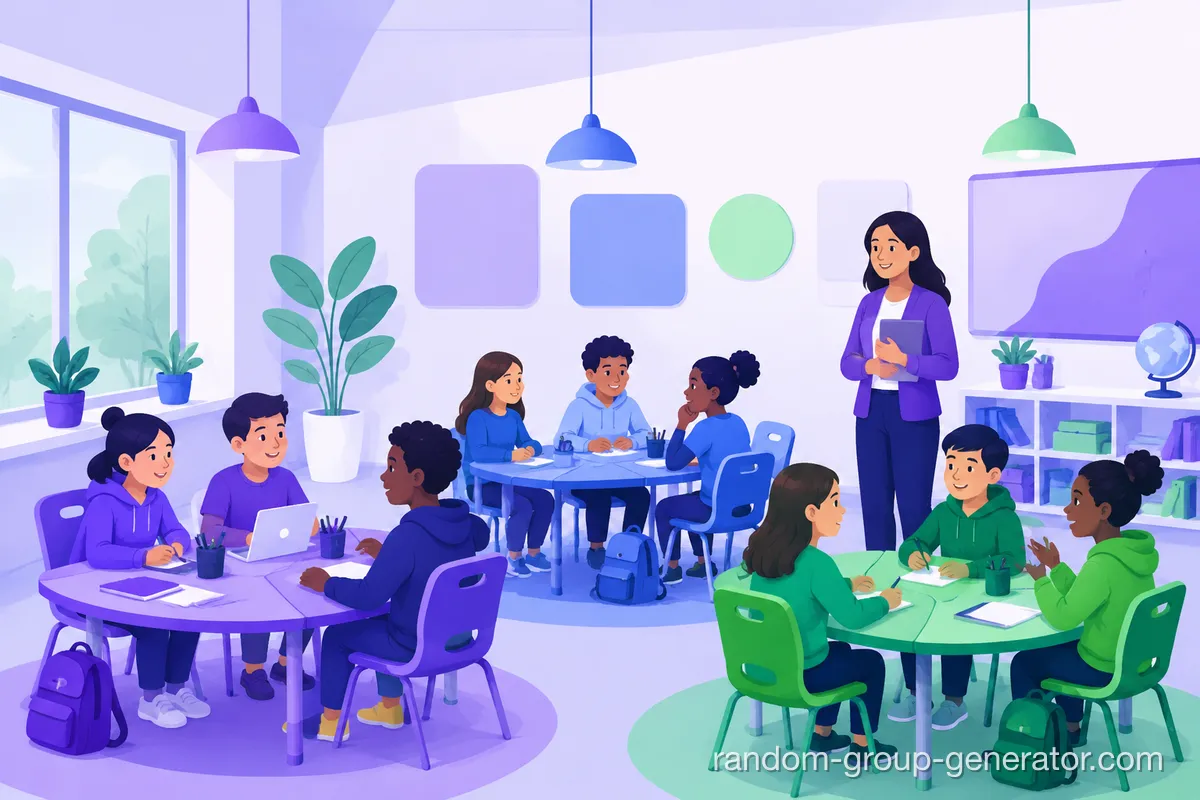



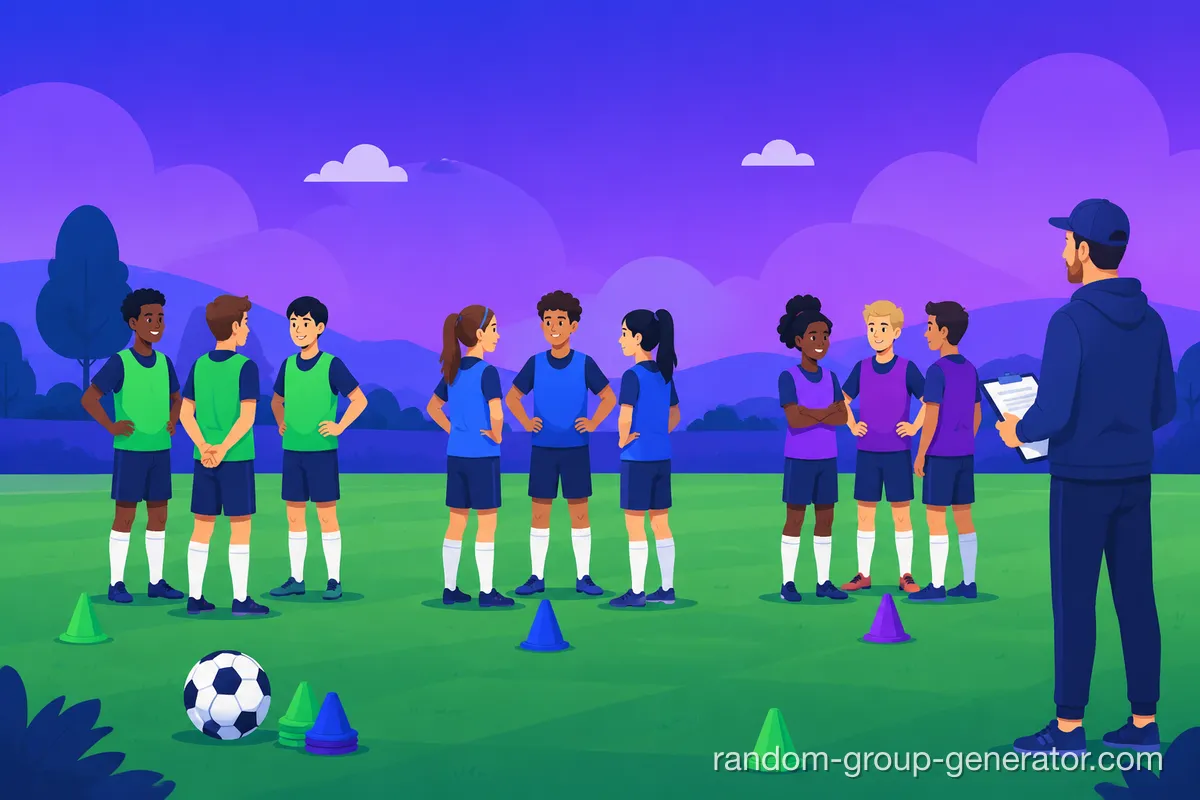


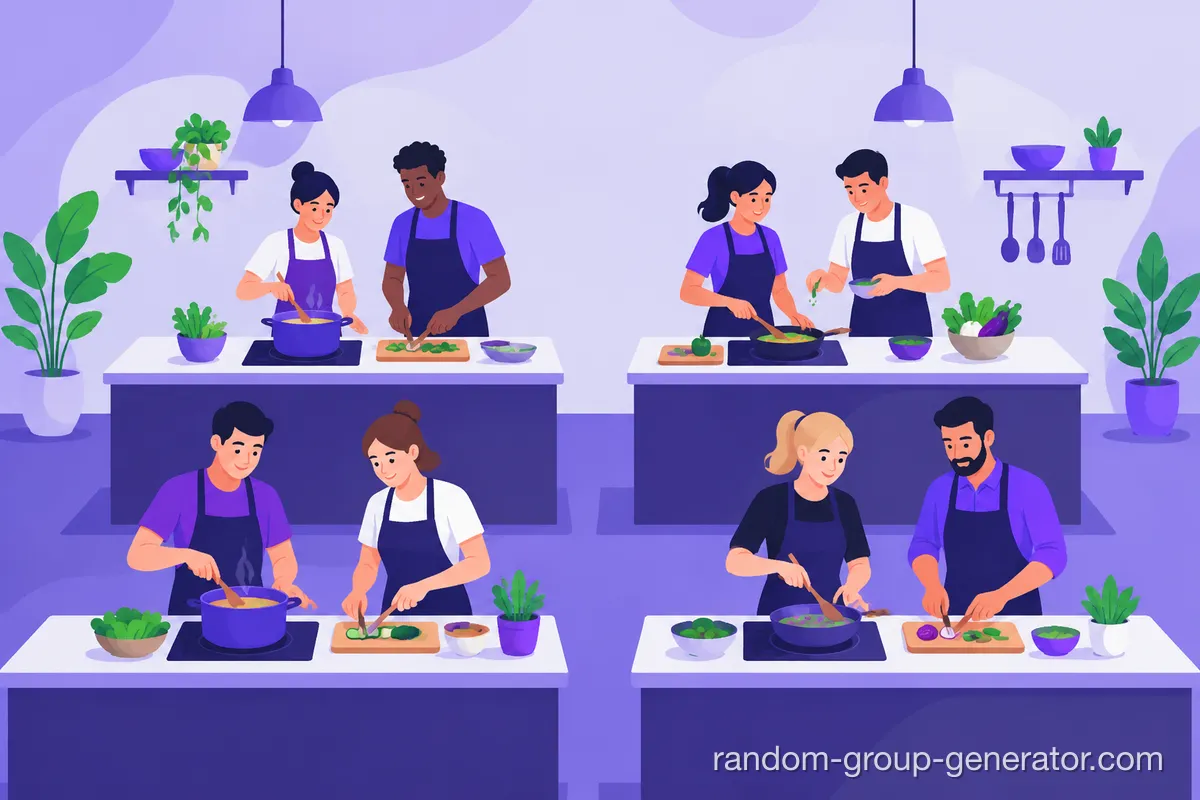

Guides for using a random group generator in classrooms, events, team activities, and tool comparisons.
Learn practical classroom random grouping strategies to create fair teams, improve participation, and save time with simple teacher-friendly methods.
Read the guideGet answers to the most common teacher questions about random group generators. Learn how to create fair, balanced groups quickly, integrate with Google Classroom and Zoom, and handle student grouping challenges.
Read the guideAnswers to common questions about using a random group generator, group randomizer, or random team generator.
Paste names, set the number of groups, and click generate. You get a clear group randomizer result that can be copied into class, chat, or event notes right away.
Yes. Teachers can split a class list into discussion groups, project teams, stations, or activity rotations without manual shuffling.
Yes. Switch into advanced mode when you need gender balance, skill tiers, or custom attributes instead of a plain random split.
Use Random Pair Generator when every person only needs one partner for discussion, peer review, or speaking practice. Stay on this page when you need three or more groups.
Yes. Copy or export the generated groups and paste them into Zoom breakout notes, Google Classroom posts, Slack, Discord, email, or any session plan.
A spin wheel is useful for one live pick at a time. This group generator is usually faster when you need to split an entire list into teams in one pass.
You can treat each generated group as one row, but groups do not map names to seats in a room. For a printable grid with rows, seat numbers, and front-to-back positioning, use the random seating chart generator.
Paste your class list, choose the number of groups, and generate. The splitter assigns every student to a group in one pass, so nobody is left out or counted twice.
Set the group count to match your desired team size and the randomizer distributes participants as evenly as possible. If the roster does not divide evenly, some groups get one extra member.
Yes. The group maker runs in your browser, needs no account, and costs nothing — you can generate, copy, and export groups as often as you need.
Need partners only? Open the pair tool instead.