
team randomizer
How to Use a Team Randomizer for Workshop Breakout Sessions (Step-by-Step Facilitation Guide)
Learn how to effectively use a team randomizer to create balanced breakout groups in workshops. This guide covers setup, facilitation strategies, common mistakes, and practical examples for improving collaboration and engagement.

Workshop breakout sessions are one of the most effective ways to encourage participation, peer learning, and creative problem-solving. However, the success of these sessions depends heavily on how groups are formed. This is where a team randomizer breakout rooms approach becomes especially valuable.
Using a structured randomization method helps facilitators avoid bias, prevent repetitive group dynamics, and ensure participants interact with a diverse set of peers. In this guide, we will explore how to use a team randomizer effectively, when to apply it, and how to optimize breakout group design for better workshop outcomes.
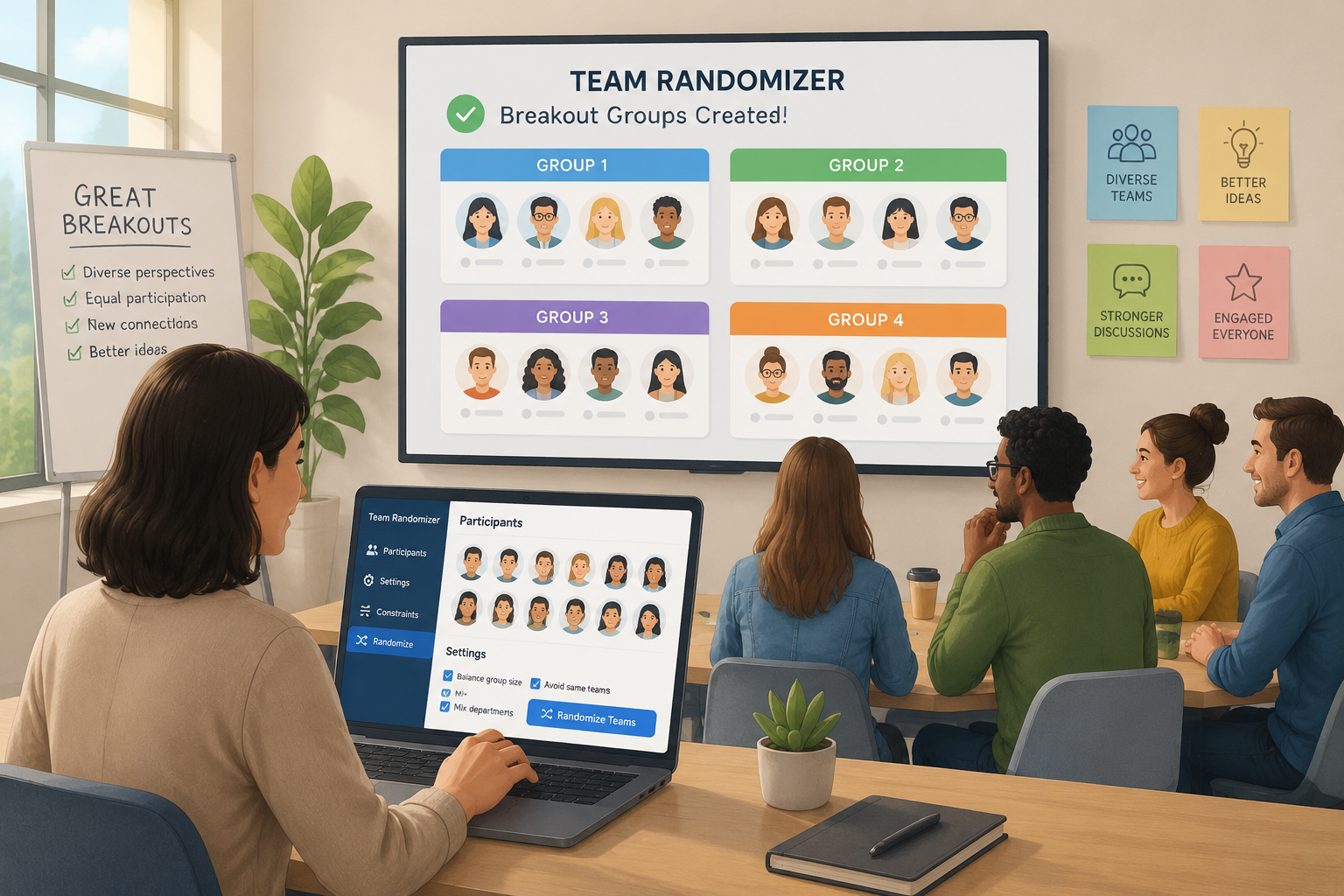
Why Use a Team Randomizer in Workshops?
A team randomizer is a tool that automatically assigns participants into groups based on randomized logic. This eliminates manual grouping, which can be slow, inconsistent, or unintentionally biased.
In workshop environments, especially in corporate training, education, and product development sessions, facilitators often struggle with:
- Uneven participation across groups
- Social clustering (participants sticking with familiar colleagues)
- Time-consuming manual assignments
- Lack of diversity in perspectives
A team randomizer breakout rooms system solves these challenges by ensuring each group is formed without bias, promoting fresh interactions and more dynamic discussions.
Key Benefits of Randomized Grouping
Random grouping offers several research-backed advantages:
- Improved collaboration quality – Participants are exposed to different perspectives.
- Reduced groupthink – Diverse teams are less likely to converge prematurely on one idea.
- Faster facilitation – Automation saves valuable workshop time.
- Fair participation – Everyone has an equal chance of working with different peers.
When to Use a Team Randomizer
Not every workshop requires random grouping. Knowing when to use it is essential for effective facilitation.
Ideal Scenarios
- Icebreaker sessions in corporate workshops
- Design thinking brainstorming activities
- Agile retrospectives
- Training workshops with mixed experience levels
- Large conferences or seminars with breakout discussions
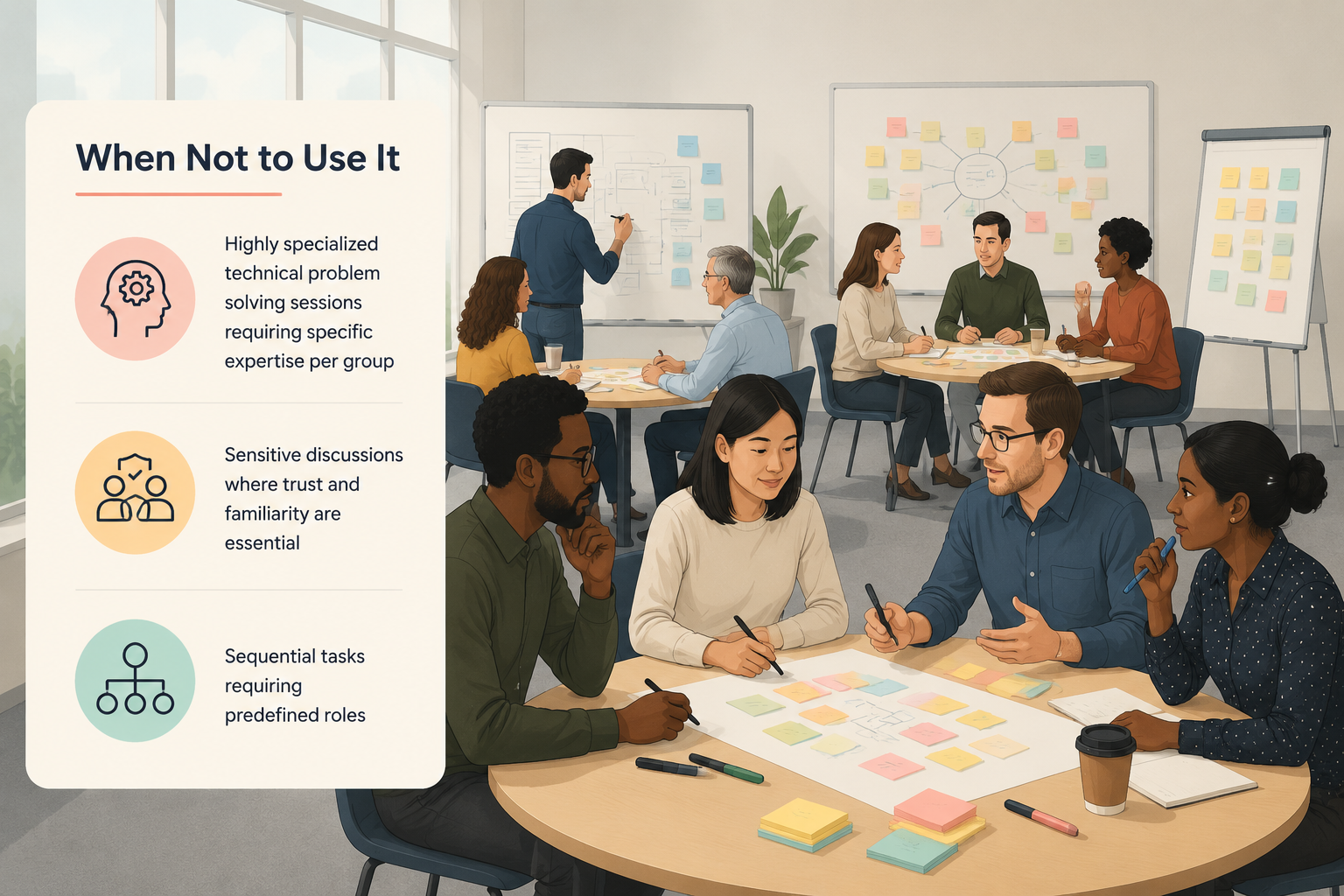
When Not to Use It
- Highly specialized technical problem-solving sessions requiring specific expertise per group
- Sensitive discussions where trust and familiarity are essential
- Sequential tasks requiring predefined roles
Step-by-Step Guide to Using a Team Randomizer
Implementing a team randomizer is straightforward, but doing it well requires a structured approach.
Step 1: Define Group Size and Objectives
Before randomizing, decide:
- How many participants are attending
- Ideal group size (usually 3–6 people for workshops)
- Purpose of breakout discussions
Smaller groups encourage deeper discussion, while larger groups may generate more ideas but less participation per individual.
Step 2: Prepare Participant List
Collect names or identifiers in advance. This can be:
- Email list
- Registration sheet
- Workshop attendance form
Ensure data is clean and consistent to avoid duplication issues during randomization.
Step 3: Use a Team Randomizer Tool
A team randomizer breakout rooms tool automatically assigns participants into groups.
Typical features include:
- Adjustable group sizes
- Fully random or weighted distribution
- Exportable results for breakout platforms
You can use tools like a dedicated group generator platform such as the one available at the main site homepage: https://random-group-generator.com.
Step 4: Review and Adjust (If Needed)
While randomness is valuable, facilitators may want to adjust for:
- Time zones in remote workshops
- Language preferences
- Accessibility needs
This ensures inclusivity while maintaining fairness.
Step 5: Assign Breakout Rooms
Once groups are generated:
- Copy group assignments into your meeting platform (Zoom, Microsoft Teams, etc.)
- Assign breakout rooms accordingly
- Announce group roles and objectives clearly
Best Practices for Breakout Session Design
Balance Randomness with Structure
Pure randomness is useful, but structured randomness often works better. For example:
- Randomize within departments instead of across entire organizations
- Mix senior and junior participants intentionally
Set Clear Instructions
Each breakout group should have:
- A clear task description
- A time limit
- Expected output format (notes, presentation, decisions)
Encourage Psychological Safety
According to team learning research, participants engage more effectively when they feel safe to share ideas without judgment. Facilitators should:
- Normalize diverse opinions
- Avoid ranking contributions during discussions
- Encourage equal participation
Rotate Group Composition Across Sessions
If your workshop has multiple breakout rounds, re-randomize groups each time. This increases exposure to different perspectives and reduces repetitive dynamics.
Common Mistakes to Avoid
Even with a team randomizer, facilitation errors can reduce effectiveness.
Over-Randomization
Randomizing too frequently without purpose can confuse participants and reduce continuity of discussion.
Ignoring Group Size Constraints
Groups that are too large reduce engagement; groups that are too small may lack idea diversity.
Not Explaining the Process
Participants should understand why groups are randomized. Without context, it may feel arbitrary.
Forgetting Accessibility Considerations
Ensure participants with special needs are not inadvertently placed in groups that create barriers (e.g., language mismatch in international workshops).
Example: Corporate Innovation Workshop
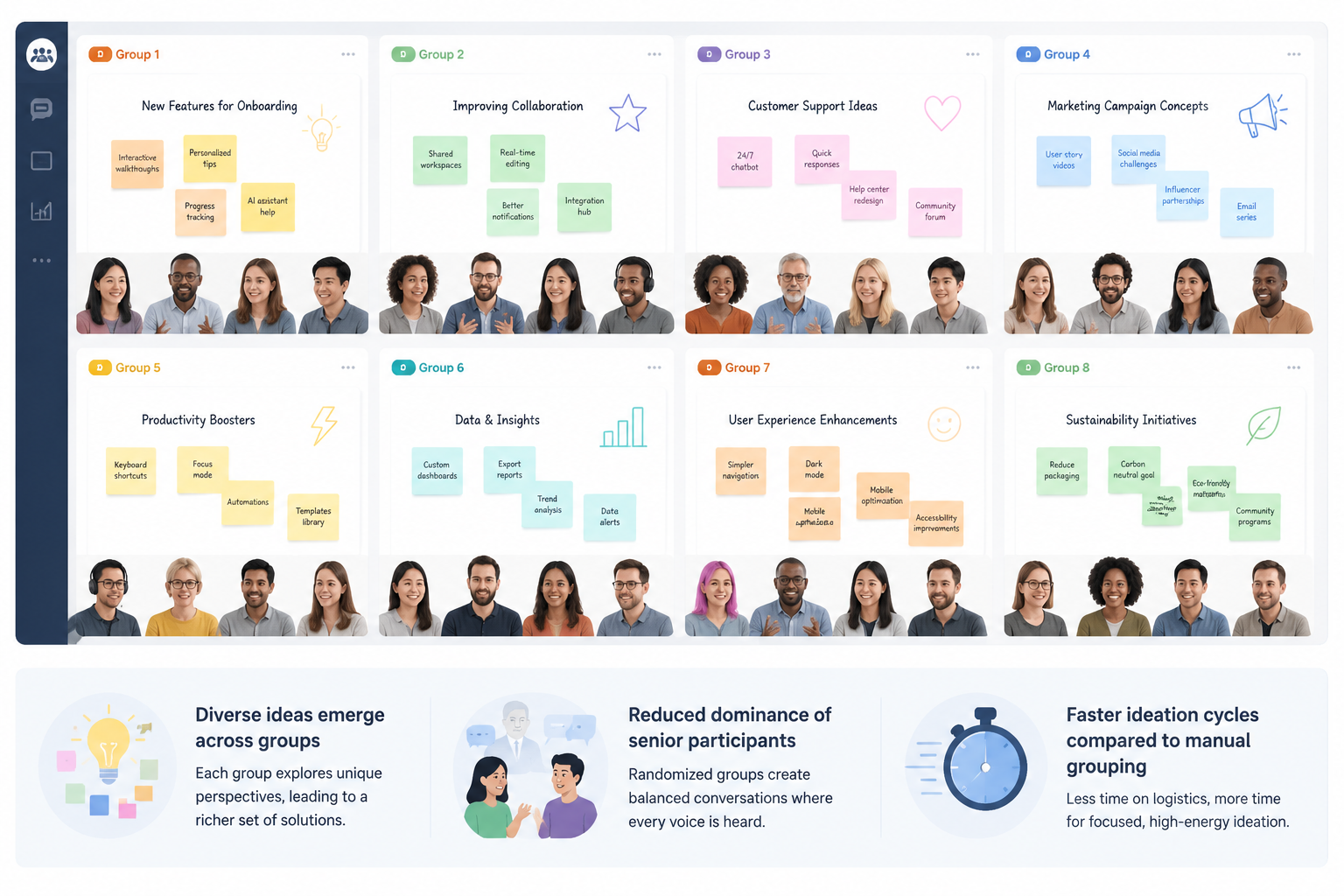
Consider a 40-person innovation workshop focused on product ideation.
Setup
- Participants: 40
- Group size: 5
- Total groups: 8
Process
- Participants are entered into a team randomizer
- Groups are generated in seconds
- Facilitator assigns breakout rooms
- Each group receives the same challenge: "Design a new feature for remote collaboration tools"
Outcome
- Diverse ideas emerge across groups
- Reduced dominance of senior participants in discussions
- Faster ideation cycles compared to manual grouping
Integrating Team Randomizers with Digital Tools
Modern workshops often use hybrid or fully remote setups. A team randomizer integrates well with:
- Video conferencing platforms (Zoom, Teams, Google Meet)
- Collaboration tools (Miro, FigJam, Notion)
- Learning management systems (LMS)
By combining these tools, facilitators can streamline workflows and reduce administrative overhead.
FAQ
What is a team randomizer breakout rooms setup?
A team randomizer breakout rooms setup is a method of automatically assigning workshop participants into small groups using randomized logic, typically for collaborative exercises in virtual or in-person workshops.
How many people should be in a breakout group?
The ideal size is usually 3–6 participants. Smaller groups allow deeper discussion, while larger groups increase idea diversity but may reduce individual participation.
Can I adjust groups after using a randomizer?
Yes. Many facilitators review and adjust groups to account for accessibility, time zones, or specific workshop goals while still preserving fairness.
Is random grouping better than manual grouping?
In many cases, yes. Random grouping reduces bias, saves time, and increases diversity of perspectives, especially in large workshops.
How often should I reshuffle groups in a workshop?
It depends on the workshop structure, but reshuffling between breakout rounds is often recommended to maximize exposure to different viewpoints.
Related guides
- 10 Classroom Random Grouping Strategies for Balanced Teams — Learn practical classroom random grouping strategies to create fair teams, improve participation, and save …
- How to Create Gender-Balanced Random Groups — Struggling to form fair, mixed-gender teams?
- How to Use a Team Generator Based on Skill to Create Balanced Groups — Struggling to form fair, productive teams?
- What Is a Random Group Generator? Definition, Uses & Best Practices — A random group generator is a digital tool that automatically divides a list of names or items into random …
Related Tools
Pick the right generator for the job — every tool runs free in your browser.