
You want everyone placed at once
Stay here: one spin of the wheel splits the entire roster into balanced groups, with names-per-group mode for partner pairs.
Paste your name list, choose the number of groups or the size of each group, and spin once. The wheel shuffles everyone into balanced teams, pairs, or tables in under two seconds — free, private, and repeatable.
No spin-per-name grind: the whole roster lands in balanced groups from a single spin of the wheel.
Set the group count, or set names per group — 2 per group turns the wheel into a partner picker.
The animation finishes in under two seconds, can be skipped, and every reshuffle is a fresh fair draw.
When to use this spin wheel group generator
Use this page when you want the wheel experience without the one-name-at-a-time grind: one spin splits the entire roster into balanced groups, teams, or pairs, and the animation makes the randomness visible to the whole room in under two seconds.
If you need every spin to land on a single name — for call-outs, turn order, or prize draws — the group picker wheel is built for that. If you just want instant groups with no animation at all, the one-click random group generator is faster still.
One spin for whole-roster splits, one pick per spin for live draws, one click for instant groups.
Stay here: one spin of the wheel splits the entire roster into balanced groups, with names-per-group mode for partner pairs.
The group picker wheel lands on a single name each spin — perfect for live call-outs and building suspense.
The random group generator splits a roster in one click with gender and skill balancing — no spinning required.
From a raw name list to finished groups in a single spin of the wheel.
Type or paste names separated by commas or line breaks, or upload a CSV. Every name becomes a slice of the spin wheel.
Pick a number of groups (3 teams, 5 tables...), or switch to names-per-group mode — 2 per group turns the wheel into a partner picker.
Press spin and the wheel shuffles everyone into their groups in one animation — under two seconds, with a skip button for impatient rooms.
Copy the finished groups straight into your notes or chat, or spin again for a brand-new split of the same roster.
No spinning once per name — a single spin of the wheel assigns everyone at once.
Fast enough for the classroom, dramatic enough for the party.
Everything runs in your browser — no accounts, no uploads.
Built for anyone who wants the fairness of a wheel with the speed of an instant splitter.
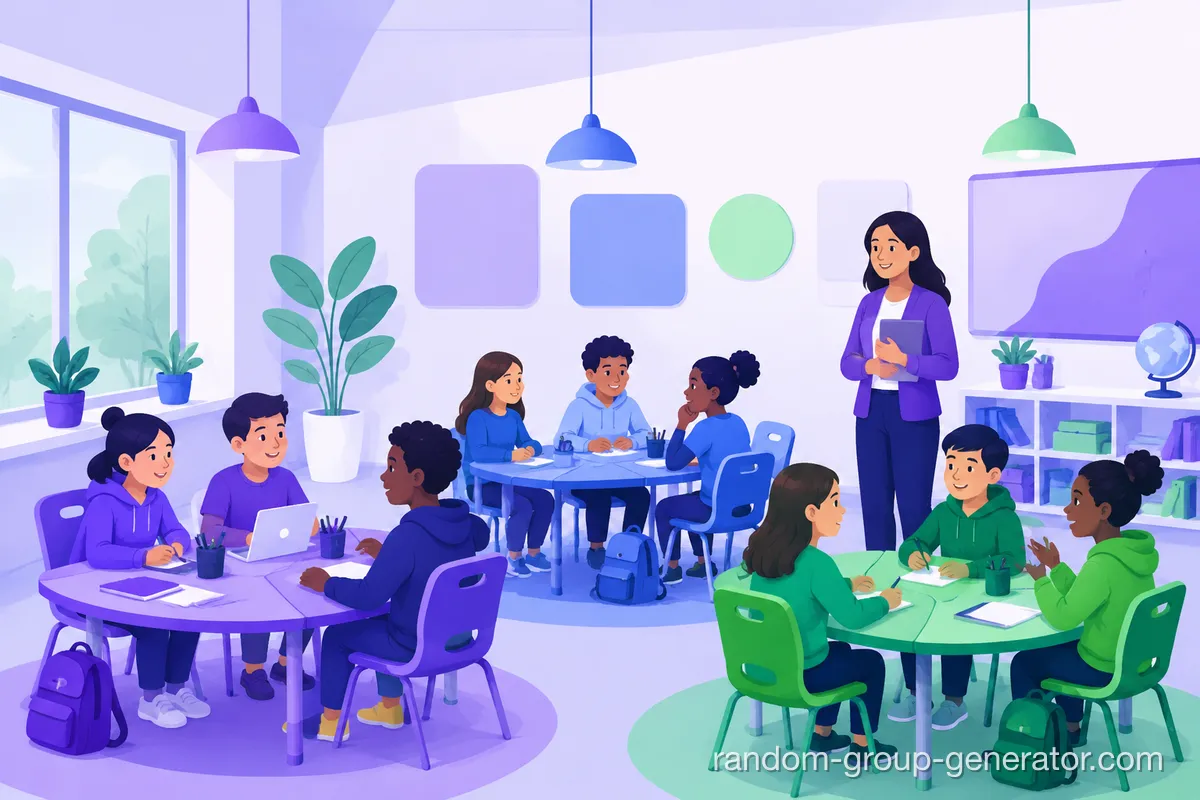
Split the class into project teams or reading pairs in one spin on the projector — everyone sees the wheel decide, nobody debates the outcome.
Fill breakout rooms in seconds between sessions, then copy each group into the workshop chat before the timer starts.
Reshuffle practice squads between drills with one tap — fresh, balanced teams every round without paper draws.
Assign guests to tables or teams as they arrive — the spin is part of the entertainment, not a chore.
How a 28-student class gets eight project teams in under ten seconds
A teacher with 28 students and eight project stations pastes the roster, sets eight groups, and spins the wheel on the projector. The class watches the wheel slow down while eight team cards fill in — the whole reveal finishes in about two seconds.
The teacher copies the groups into the class notes, or spins again when two best friends land together. The one-spin workflow replaces minutes of stick draws and 'that's not fair' negotiations, and reshuffling costs nothing.
How one spin splits the whole roster
When you press spin, the tool shuffles your cleaned list with the browser's random number generator and deals the names into groups round-robin, so group sizes never differ by more than one member. The wheel animation then plays out that result — the spin never changes who lands where.
In names-per-group mode the group count is derived from your roster (a 25-name list at 5 per group becomes 5 groups), and any leftover names shrink the last group rather than dropping anyone.
Duplicate names and empty lines are removed before the wheel is built, so copy-paste noise cannot skew the odds.
When this spin wheel is not the right tool
The wheel places people purely at random — it cannot guarantee gender balance, skill balance, or keep certain students apart. If those rules matter, use the random group generator with its balancing modes and treat this wheel as the reveal, not the allocator.
Wheel labels stay readable up to roughly 16 names; beyond that the wheel draws plain colored slices while the split logic works exactly the same. Very large rosters are also better served by the one-click generator's instant output.
The wheel decides, everyone watches, the groups are done in seconds.
“One spin and the teams were set — the wheel on the projector made it feel like a game instead of admin.”
See how a single spin turns a roster into finished groups.

Related tools
Split the entire roster into balanced groups in one click, with gender and skill balancing options.
A wheel that lands on one name per spin — fills teams pick by pick or draws single names live.
Create every two-person team at once for discussions, peer review, and icebreakers.
After the wheel splits your teams, give each one a practical name in seconds.
Scenario guides for choosing between the spin wheel, the one-click generator, and the pair tool.
Learn practical classroom random grouping strategies to create fair teams, improve participation, and save time with simple teacher-friendly methods.
Read the guideCompare a random group generator vs spin the wheel for teachers and facilitators. Learn when to use each tool to save time and create fair, engaging groups.
Read the guideConfused between the random pair generator and random group generator? This guide explains key differences, best use cases, and step-by-step workflows for teachers and facilitators.
Read the guideGet answers to the most common teacher questions about random group generators. Learn how to create fair, balanced groups quickly, integrate with Google Classroom and Zoom, and handle student grouping challenges.
Read the guideShort answers about splitting names into groups with a spin wheel.
Unlike wheels that land on one name per spin, this wheel splits your entire list in a single spin. The draw is computed with the browser's random number generator, the wheel animates the result, and each group card fills in as the wheel slows down. People also call this kind of tool a wheel of groups, a group wheel, or a spin wheel group maker — whatever the name, one spin splits the whole list into balanced teams.
The outcome is the same kind of balanced split — the difference is the wheel. Watching the spin makes the randomness visible and turns grouping into a moment the room can enjoy, while still finishing in about two seconds.
Yes. Names are shuffled with the browser's random number generator and dealt into groups so sizes stay within one member of each other. The animation follows the result — it never changes it.
Yes. Switch to names-per-group mode and set it to 2: one spin pairs your whole list. If your roster has an odd number of names, the last group is one member smaller.
From 2 groups up to one group per participant — the tool caps the group count at your roster size so no group ends up empty.
Yes. Spin again with the same roster for a brand-new split, as many times as you like. Reset the round to start over with a new list.
Yes. A skip button appears while the wheel spins, and the animation also respects your device's reduced-motion setting automatically.
Yes. The spin button is touch-friendly, the wheel scales to the screen, and the layout adapts to narrow devices — handy for classrooms sharing a single tablet.
Yes. The wheel runs entirely in your browser. Names are never uploaded to a server, and nothing is stored after you close the page.
The wheel deals names round-robin, so with 25 people in 5 groups, four groups get 5 members and one gets 6 — the fairest possible split without leaving anyone out.
Prefer drawing one name at a time? The group picker wheel does that instead.