
random group generator teachers
10 Reasons Teachers Love Random Group Generators
Discover why educators choose a random group generator for teachers to save time, promote fairness, and increase student engagement in every classroom.
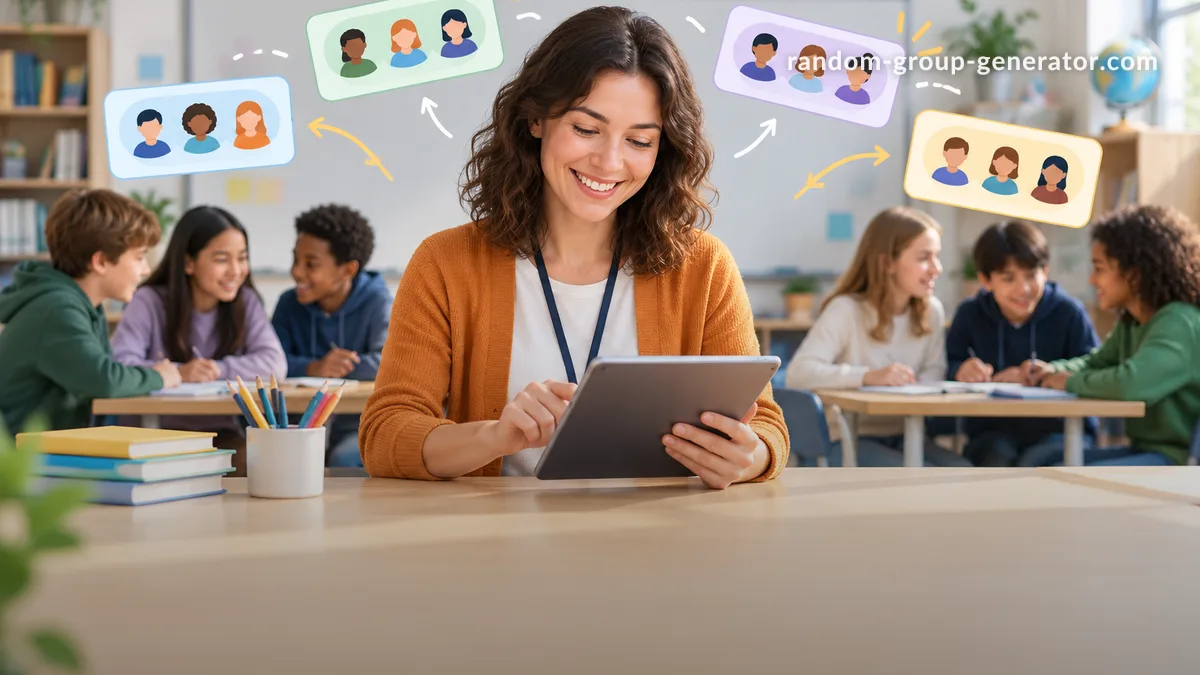
Every teacher knows the groan that fills the room when it’s time for group work. Students rush to sit with friends, some feel left out, and precious class minutes slip away rearranging furniture and personalities. A random group generator for teachers turns this daily friction into a five‑second task. The ten reasons below explain why educators of all grade levels are making random grouping a core part of their classroom toolkit.
What Makes a Random Group Generator Classroom‑Ready?
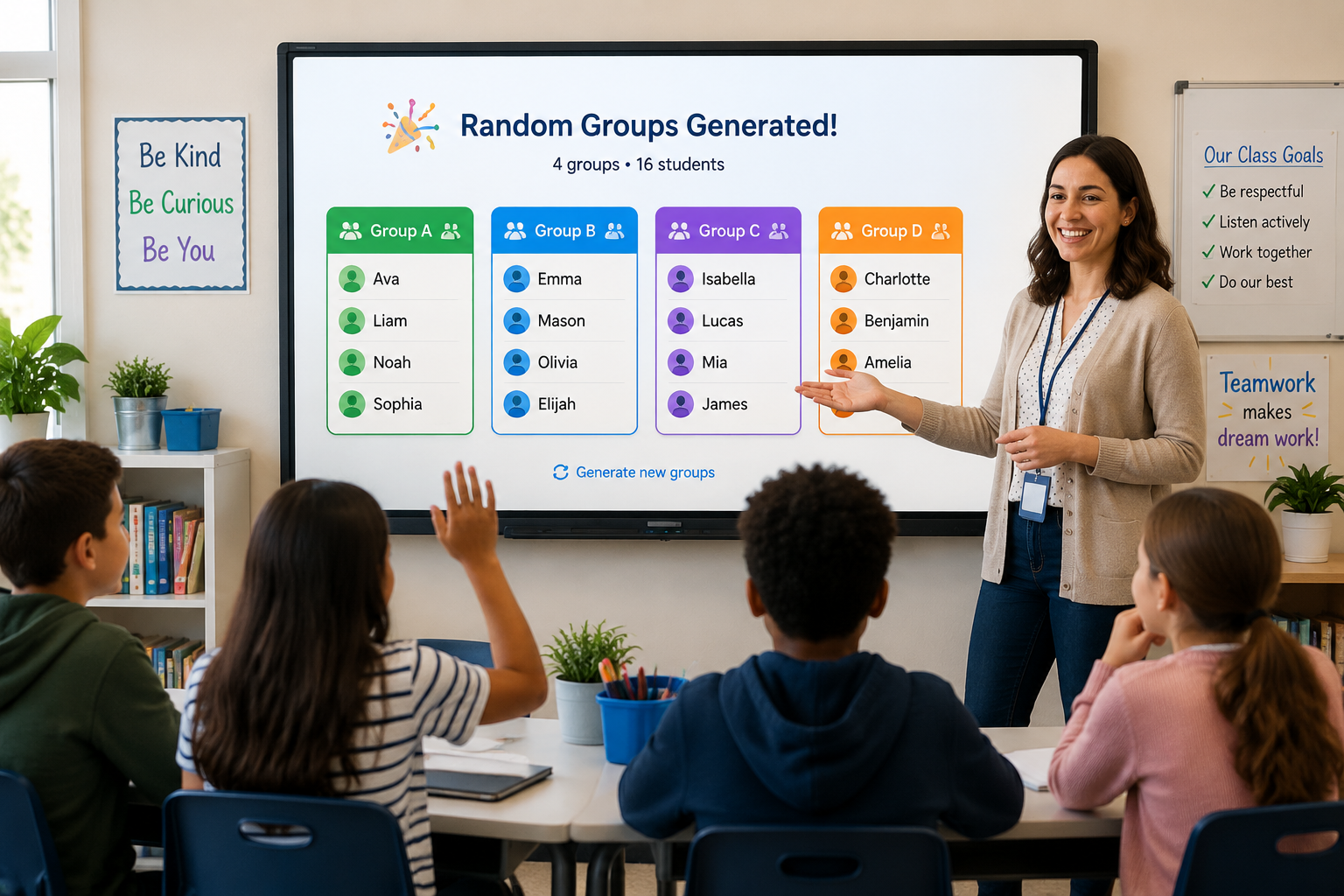
Before diving into the reasons teachers love these tools, it helps to know what sets a classroom‑ready generator apart from a generic online shuffler. A purpose‑built generator designed for education lets you paste a class roster directly, set the number of groups or the exact group size, and often provides a no‑login experience that respects student privacy. No spreadsheet gymnastics or timer counting down.
Take Ms. Carter, a high school biology teacher. At the start of a lab rotation she opens the Random Group Generator, pastes her 28‑student roster, sets the group size to four, and clicks Generate. Within seconds she has seven random lab teams displayed clearly on her interactive board. The process is so fast that she can do a quick re‑roll if a group needs to change, all without losing momentum.
A classroom‑ready generator also handles the edge cases that real teaching throws at you: an odd number of students, a need to keep a few pupils apart, or a desire to preview groups before showing them to the class. When the tool anticipates these needs, it saves you from awkward last‑minute manual fixes.
Reason 1: Fair and Impartial Grouping Every Time
No matter how hard a teacher tries, manual grouping carries unconscious bias. You might put a high‑performing student with a struggling one “to help,” but that pair may resent the arrangement, and the rest of the class notices. A random group generator removes both the reality and the perception of favoritism.
When the class sees the names shuffle live on screen, the result is visibly impartial. Students quickly accept that the computer, not the teacher, decided the groups. This reduces grumbling and the “teacher always puts me with X” complaints. In fact, many teachers report that once they establish the routine of using the Random Student Picker and the group generator, students stop negotiating and start cooperating.
Over a semester, random grouping also ensures every student works with every other student at some point. This spreads social connections across cliques and reduces the isolation some children feel. Fairness isn’t just an abstract value—it directly shapes classroom culture.
Reason 2: Saves Valuable Instructional Time
Group formation eats into instructional minutes far more than teachers realize. Calling out names, waiting for students to move, rebalancing groups that are too large or too small—it can easily steal five to seven minutes from a 45‑minute period. Over a week, that’s nearly a full class session lost.
A dedicated generator collapses that entire workflow into a single click. Here’s a typical Monday morning flow:
- Open the Random Group Generator.
- Paste your roster (saved from last class) or import names from Google Classroom.
- Choose Number of groups or Group size.
- Click Generate.
- Share the result on your smartboard or push it to students’ devices via a link.
The time saved can be reinvested in a longer warm‑up, an extra practice problem, or a reflective exit ticket. Every minute of instruction protected is a win.
Teachers using the generator alongside one‑to‑one devices also find that sending the group list to their LMS or chat tool eliminates the chaotic chair‑moving phase entirely. Students glance at their device, find their group, and get started.
Reason 3: Balanced Mixed‑Ability Teams in Seconds
Creating mixed‑ability groups by hand is mentally taxing. You need to know every student’s current level, recall who worked together last time, and still keep groups roughly even. Many teachers end up settling for “good enough,” which often means one overloaded group and another that finishes early.
Advanced random group generators, like the one available on our platform, offer balance by attribute—you can assign each student a label such as “confident,” “developing,” or “ELL” and let the tool distribute them evenly. The algorithm respects your constraints while keeping the core randomness that students accept as fair. For a deeper look at this feature, see the Random Group Generator advanced settings.
A concrete scenario: Mr. Jensen teaches 9th‑grade world history. His roster includes eight students who are still developing English proficiency. He tags those students as “ELL,” sets the generator to create groups of five, and makes sure each group receives exactly one ELL student. The result: inclusive, balanced groups that make both language support and peer learning possible without calling anyone out.
Reason 4: Increases Student Engagement and Ownership
When students perceive grouping as fair, their willingness to participate rises. A live generator projected on the board turns the moment into a short, energizing routine—like a mini game show. Students watch their names appear in teams and feel a small jolt of anticipation. That tiny emotional shift primes them for the collaborative work to come.
This public, chance‑based method also boosts accountability. Students know that the teacher didn’t hand‑pick the group, so they are more likely to take responsibility for working through disagreements instead of complaining. In classroom management terms, it reduces the “can I switch groups?” requests that can derail a lesson.
Teachers often pair the group generator with quick icebreakers. For instance, after forming groups with the Random Group Generator, each team has two minutes to come up with a name using the Group Name Generator. The simple act of naming the group deepens identity and lightens the mood.
Reason 5: Seamless EdTech Integrations
Modern classrooms are no longer confined to four walls. Hybrid setups, virtual breakout rooms, and asynchronous collaboration all demand grouping tools that play well with other platforms. A standalone randomizer that lives in a browser tab is fine, but a generator that integrates with your existing tools is a time‑and‑sanity saver.
Here are a few everyday workflows teachers rely on:
- Google Classroom: Import your roster directly, generate groups, and paste the list into a Classroom announcement.
- Zoom & Teams: Generate groups, then use the platform’s breakout room feature to assign members by copy‑pasting the generated list.
- Slack: Share group assignments with a staff team or older students instantly through a channel.
These integrations mean the random group generator is not a separate island; it becomes a lightweight pipe that connects your student list with the communication tool you already use. The setup is quick—no API keys or IT tickets—and once your roster is in, you can reuse it all term.
More Reasons Teachers Are Switching to Random Grouping
Beyond the big five, several smaller but equally impactful reasons make random group generators a daily staple.
- Flexible group sizes: Need pairs for peer editing today and quads for a jigsaw activity tomorrow? Switch modes in one click. For partner‑focused tasks, the Random Pair Generator works without changing your roster.
- Easy re‑roll when needed: If a group contains three students who were absent yesterday or you need a fresh mix, hitting Generate again gives an instant new set.
- Fosters new friendships: By breaking up long‑standing cliques, random grouping encourages students to talk to peers they might never choose on their own. Social skills grow alongside academic ones.
- One‑click student picker: When you need a single volunteer, the Random Student Picker saves you from the awkward silence of waiting for hands.
- Data privacy: No student data is stored on external servers when you use local‑session generators. Rosters can be cleared after each use, aligning with the privacy expectations schools require.
Each of these might seem small, but together they eliminate the friction that can turn a simple group activity into a logistical hassle.
Getting Started with Your Random Group Generator
If you’ve never used a random group generator, the first session takes less than two minutes.
- Go to the Random Group Generator tool page.
- Type or paste the names of your students (one per line). If you have a digital roster, you can paste it directly.
- Choose your grouping method: Number of groups (for a fixed number of teams) or Group size (for a fixed number of members per team).
- Optionally, add a Balance tag if you want the system to spread certain students evenly—great for partnership skills or language levels.
- Click Generate. You’ll see the groups instantly on screen, ready to share.
Try it once, and you’ll see why teachers who start with the free tool rarely go back to manual grouping. Bookmark the page, keep your roster in a document, and watch that chaotic transition time disappear.
FAQ
Is a random group generator truly random, or can I set rules?
The generator on our platform produces genuinely random groupings each time, but you can also add constraints. For example, you can mark certain students to be spread across groups evenly (“balance” mode) or even exclude specific pairings if classroom dynamics require it. These guardrails keep the process fair while respecting real‑world teacher needs.
Can I use the random group generator for large classes?
Yes. The tool handles rosters of all sizes, from a small seminar of 8 to a lecture hall of 200. You simply paste the names and choose how many groups you want. For very large cohorts, the generator produces a clean, scrollable list that you can project or copy into your LMS.
Does the random group generator work offline or without login?
The web‑based generator works online, but it requires no account or login. Because it runs in your browser and does not store personal data on a server, it’s widely accepted under school district privacy policies. As long as you have an internet connection, you can generate groups anywhere.
How can I prevent certain students from being grouped together?
Some teachers use a simple workaround: generate the groups, then manually swap one student after the fact if a separation is critical. A more robust approach is to use the balance feature to tag sensitive pairings and let the algorithm handle the rest. The goal is to minimize manual intervention while still accommodating necessary social‑emotional considerations.
Is the tool free for teachers, or do I need a subscription?
The core random group generator is completely free, with no trial limits or paywalls. You can generate an unlimited number of groups, pairs, or random picks. Advanced features like saved rosters or integrations with LMSs may be added over time, but the essential teacher‑facing tool will remain free to support every classroom.
Ready to transform the way you create groups? Try the Random Group Generator now and watch your classroom move from chaos to collaboration in one click.
Sources
Sources
- Cooperative learning — research overview on structured small-group work
Related guides
- 10 Classroom Random Grouping Strategies for Balanced Teams — Learn practical classroom random grouping strategies to create fair teams, improve participation, and save …
- How to Create Gender-Balanced Random Groups — Struggling to form fair, mixed-gender teams?
- How to Use a Team Generator Based on Skill to Create Balanced Groups — Struggling to form fair, productive teams?
- What Is a Random Group Generator? Definition, Uses & Best Practices — A random group generator is a digital tool that automatically divides a list of names or items into random …