
team name generator
Team Name Generator: Create Fun and Useful Names for Groups
Learn how a team name generator helps teachers, trainers, and facilitators create memorable group names quickly with practical examples and tips.

Creating groups is often easy, but giving those groups names can slow down a lesson, workshop, or team activity. A team name generator helps teachers, trainers, and facilitators quickly create clear and memorable names for small groups, project teams, and event activities. Instead of spending time thinking of names or accepting the first ideas from a few participants, you can use a structured tool to generate options fairly.
A good group name can improve organization and make activities feel more engaging. Whether you are dividing students for a classroom project, creating breakout teams for a workshop, or organizing a company activity, a team name generator provides a simple way to add structure without extra preparation.
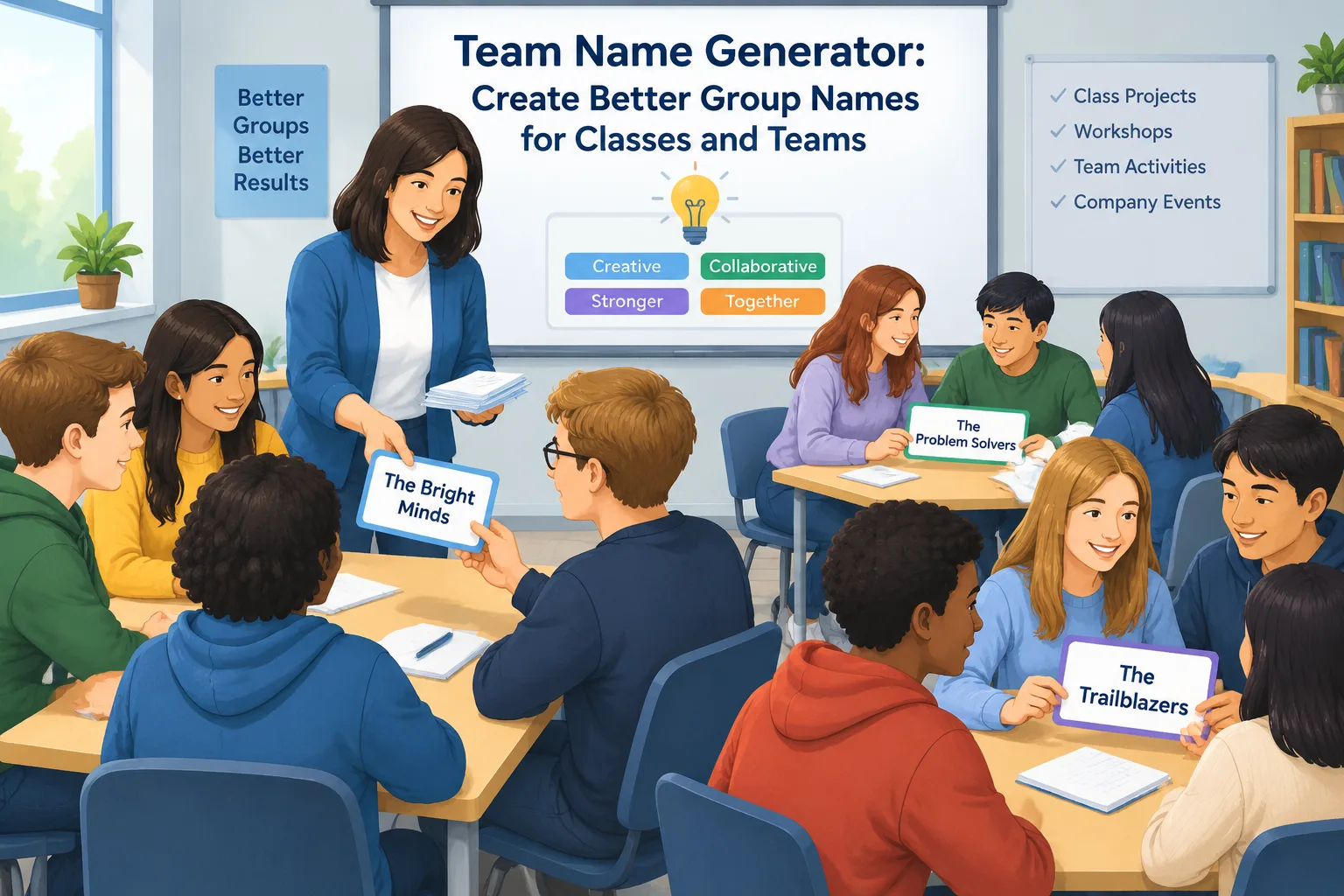
Why use a team name generator for group activities?
Many educators and facilitators know that the first few minutes of an activity can affect the whole session. When participants need to create team names themselves, some groups may finish quickly while others spend too much time deciding. A team name generator removes this small but common obstacle.
The main benefit is efficiency. Teachers can prepare group names before class, and trainers can create teams for workshops without interrupting the schedule. The tool can also help avoid situations where one person controls the naming process or where groups choose names that do not fit the activity.
For example, a science teacher preparing a project about ecosystems might need six teams. Instead of asking students to create names while valuable class time passes, the teacher can generate names such as “Green Explorers,” “River Researchers,” or “Eco Builders” and assign them immediately.
A team name generator is also useful because it creates consistency. In a company training session, facilitators may need several breakout groups across multiple sessions. Using a repeatable naming process makes the workflow easier to manage.
How a team name generator works
A team name generator usually combines words, themes, or categories to create possible group names. The exact method depends on the tool, but the goal is the same: provide useful name ideas with less manual effort.
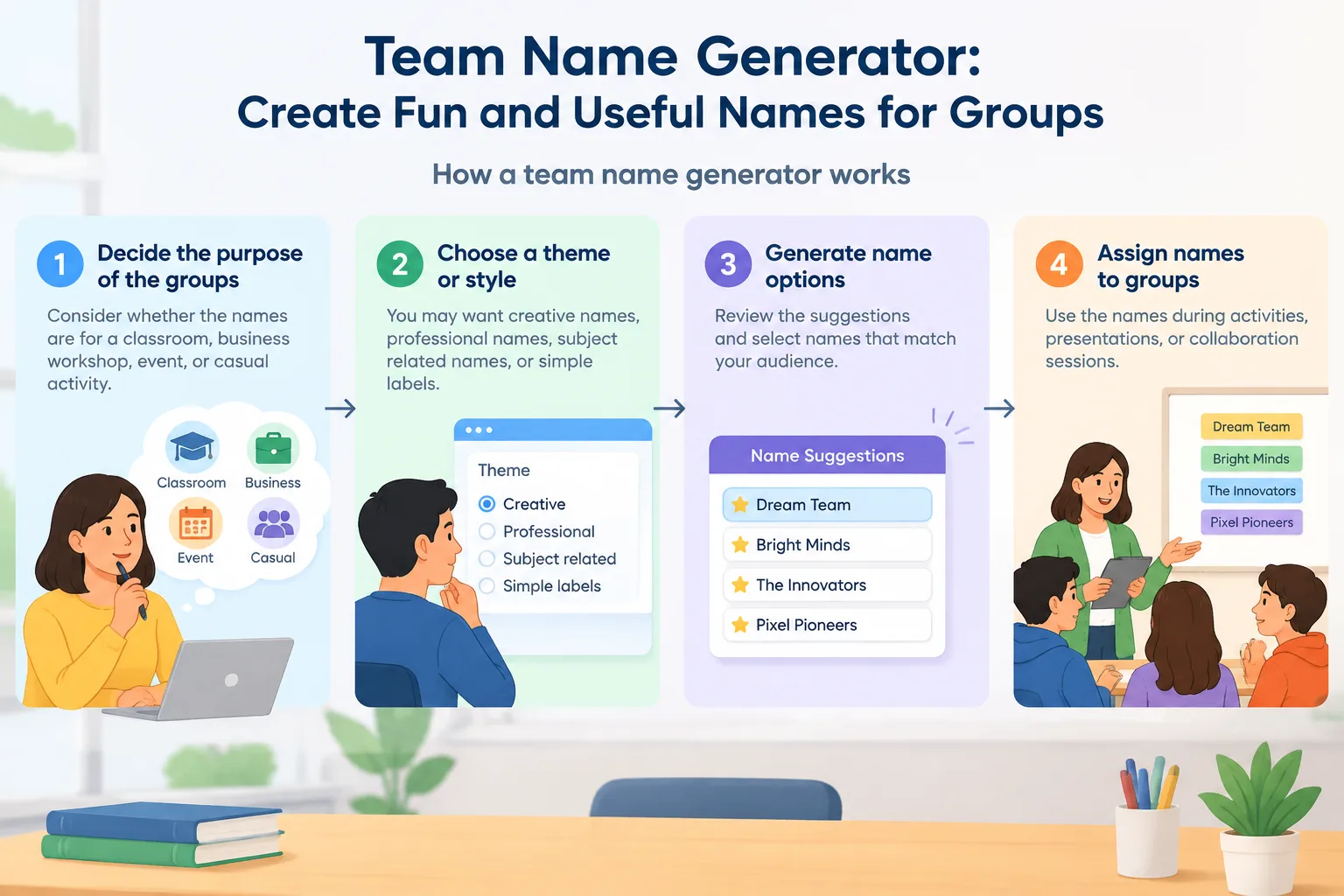
The basic process is simple:
- Decide the purpose of the groups. Consider whether the names are for a classroom, business workshop, event, or casual activity.
- Choose a theme or style. You may want creative names, professional names, subject-related names, or simple labels.
- Generate name options. Review the suggestions and select names that match your audience.
- Assign names to groups. Use the names during activities, presentations, or collaboration sessions.
For example, a corporate trainer running a communication workshop could create eight groups. They might select a professional theme and use generated names to organize breakout discussions in Zoom or Microsoft Teams. The names become easy reference points when asking teams to report their ideas.
The process is not about replacing creativity. It is about reducing repetitive preparation work so teachers and facilitators can focus on the activity itself.
Practical examples of team name generator use
A team name generator can support many different situations. The best approach depends on the audience and the goal of the activity.
Classroom projects
Teachers often use small groups for discussions, experiments, presentations, and problem-solving tasks. Group names help students quickly identify their teams and make classroom management easier.
For example, a history teacher assigning research groups about ancient civilizations could create themed names such as “Timeline Travelers” or “Archive Hunters.” Students remember their group identity while the teacher can organize materials more easily.
If you need to create the groups themselves before naming them, you can use the Random Group Generator to divide participants fairly, then use generated names to label each group.
Training sessions and workshops
Facilitators often manage multiple activities in one session. Clear team names make transitions faster because instructions can refer to groups directly.
Imagine a leadership workshop with forty employees divided into eight teams. Instead of saying “the people at table three,” the facilitator can ask “Team Horizon” to share feedback. This small change makes communication smoother.
For activities that require pairs instead of larger teams, a Random Pair Generator can help create partner assignments before adding names or themes.
Events and community activities
Event organizers may need names for challenge teams, discussion groups, or volunteer sections. A generator can provide ideas that fit the event style while saving preparation time.
For example, a library event for teenagers might use creative team names related to reading, exploration, or discovery. A professional networking event might use neutral names that help participants find their groups quickly.
Choosing useful team names instead of random words
Not every generated name will fit every audience. The best team names are easy to understand, appropriate for the setting, and connected to the activity when possible.
When reviewing generated options, consider these questions:
- Is the name easy for participants to remember?
- Does it match the age group or workplace environment?
- Could anyone find the name confusing or unsuitable?
- Does it support the purpose of the activity?
For younger students, simple and positive names often work best. For professional training, names that sound organized and neutral may be more appropriate.
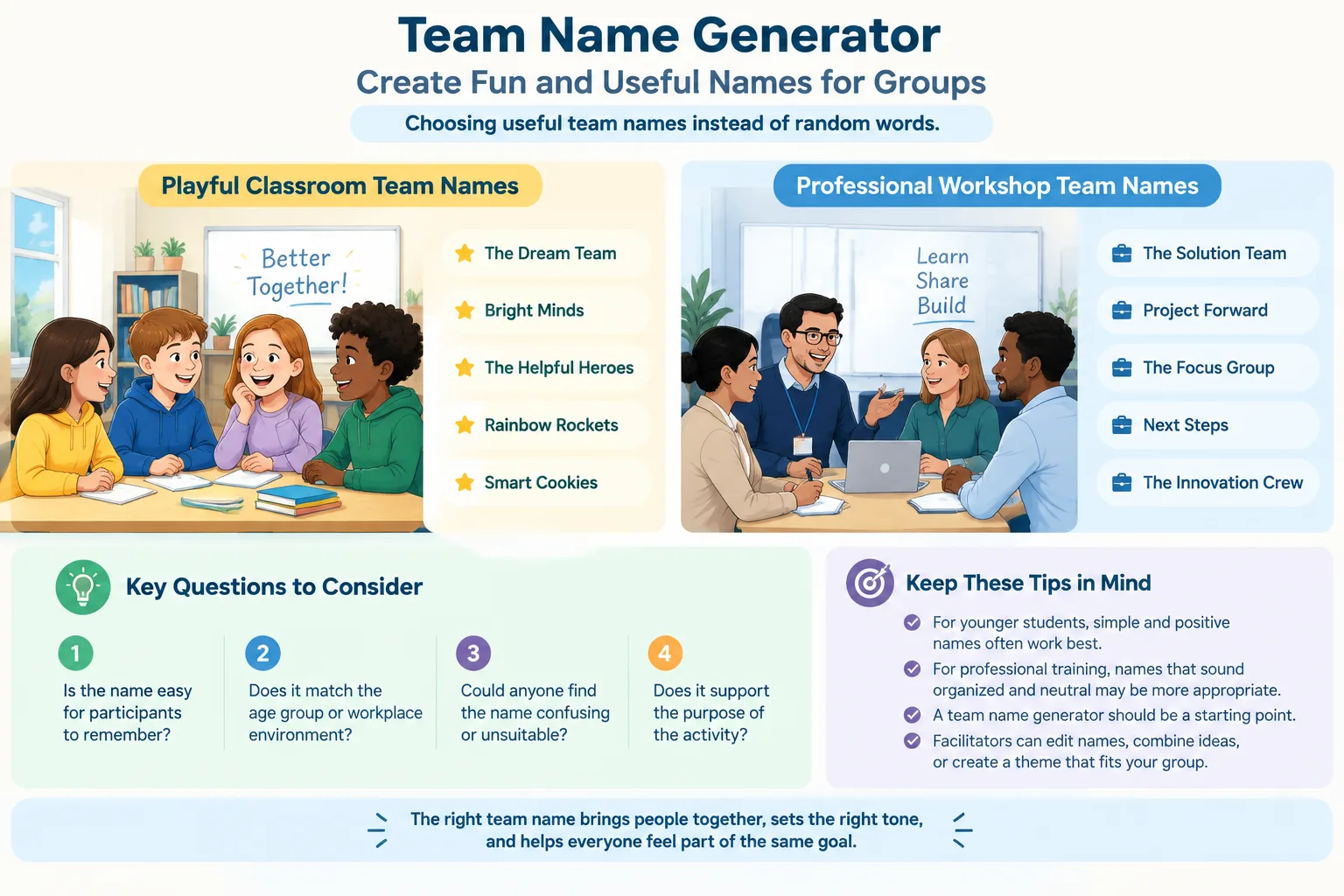
A team name generator should be viewed as a starting point. Facilitators can edit names, combine ideas, or create a theme that matches the lesson or event. The tool supports planning, but human judgment still matters.
Team name generator compared with manual naming
Manual naming can work well for small groups, especially when participants need a creative warm-up activity. However, it may become inefficient when there are many groups or limited time.
A manual approach gives participants full ownership. For example, a classroom teacher might ask students to create their own team identity as part of a collaboration exercise. This can encourage creativity and discussion.
A generator approach focuses on speed and consistency. It is especially helpful when the main activity is more important than the naming process. A facilitator preparing a one-hour workshop may prefer to spend those minutes on learning goals rather than naming teams.
Another option is combining both methods. The facilitator can generate several names, then let groups choose or adapt one. This provides structure while keeping participants involved.
Tips for using generated team names effectively
A few simple practices can make generated names more useful:
- Prepare names before the activity when time is limited.
- Match names to the audience and activity theme.
- Keep a backup list in case group numbers change.
- Use names consistently throughout the session.
- Ask for participant feedback when creativity is part of the goal.
For recurring classes or training programs, a naming system can also improve organization. A teacher running weekly projects might use different themes each month. A trainer managing multiple sessions might create a consistent naming style across workshops.
The Random Group Generator platform also includes tools for different facilitation needs, such as a Random Student Picker for classroom participation and a Group Name Generator for creating group labels.
Limitations of a team name generator
A team name generator is a planning aid, not a replacement for thoughtful facilitation. In some situations, participants may benefit more from creating their own names because the naming process is part of the learning goal.
For sensitive activities, professional settings, or diverse groups, always review suggestions before using them. A generated name should support inclusion and clear communication.
The tool is most useful when you need fast ideas, consistent naming, and smoother group management. It works best alongside good activity design and clear instructions.
Frequently asked questions about team name generators
What is a team name generator?
A team name generator is a tool that creates name ideas for groups, teams, classes, or activities. It helps users quickly find suitable labels without creating every option manually.
Who can use a team name generator?
Teachers, corporate trainers, HR teams, event organizers, and facilitators can use team name generators. Any situation that involves multiple groups can benefit from faster naming and organization.
Can I use generated team names for classrooms?
Yes. Teachers can use generated names for projects, discussions, games, and group assignments. It is helpful when several teams need clear labels during a lesson.
Should participants choose their own team names?
Sometimes. If creativity and teamwork are part of the activity, letting participants create names can be valuable. If time is limited, generated names provide a faster alternative.
How do I create groups and names together?
You can first create balanced groups with the Random Group Generator and then assign names using a team name generator. This creates a complete workflow for organizing activities.
Create your team names faster
A team name generator helps educators and facilitators reduce preparation time while keeping group activities organized and engaging. Use it when you need quick ideas for classroom teams, workshops, or events.
Try the Group Name Generator to create names for your next activity and make group management easier.
Want to try it right away? Use the Random Group Generator to split your list into balanced teams, the Group Name Generator to name each team, and the Random Pair Generator when you need one-on-one pairings.
SponsoredExplore more resources