
group wheel spinner
Group Wheel Spinner: A Fun and Fair Way to Create Random Groups
Learn how to use a group wheel spinner to assign students, create balanced teams, and make classroom or workshop activities more engaging.
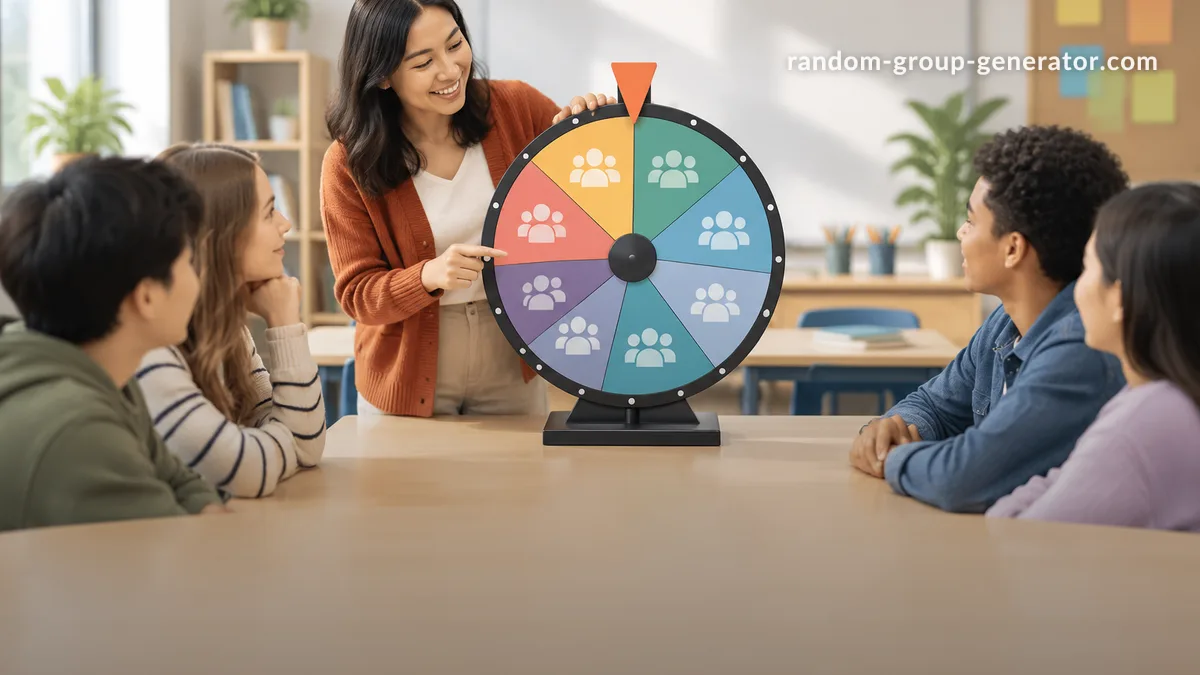
Dividing a classroom or workshop into teams should not take longer than the activity itself. Yet teachers and facilitators often spend valuable minutes asking students to choose partners, negotiating team sizes, or trying to prevent the same people from working together every time. A group wheel spinner offers a simple alternative: add participants, spin the wheel, and use the result to organize people into groups. It makes group assignment more interactive while reducing the time spent making decisions.
Whether you teach elementary school, lead university seminars, organize employee training, or facilitate team-building events, a spinning group wheel can make the process easier. This guide explains how it works, how to use it effectively, and when random grouping is the right choice.
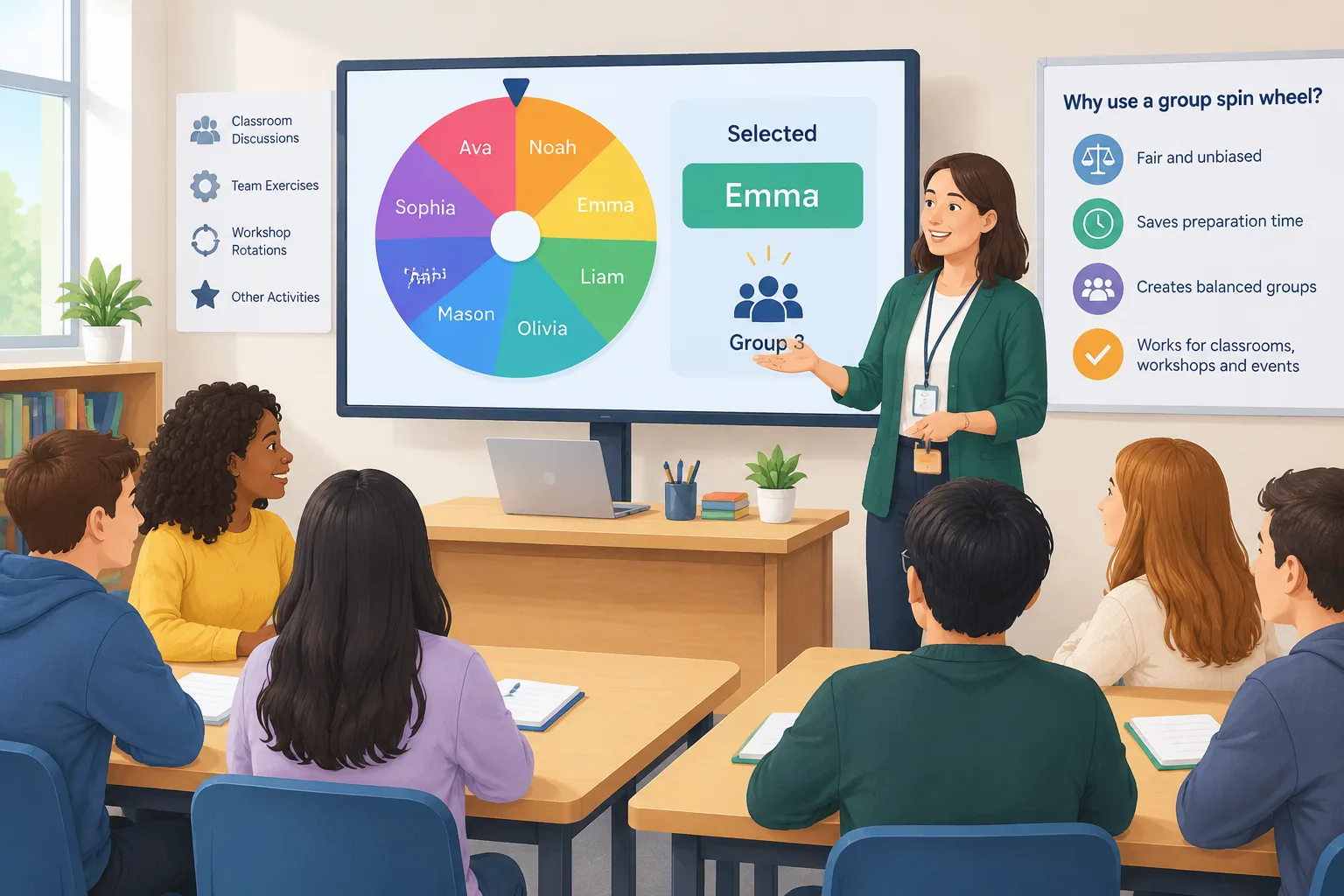
What Is a Group Wheel Spinner?
A group wheel spinner is a digital tool that uses a spinning wheel to help assign participants to groups. Instead of asking people to select their own teammates, you enter names or other participant labels and use the wheel to make a selection. Depending on the tool and its available settings, the wheel can help select individuals, organize teams, or provide a visual way to decide who participates next.
The main advantage is that group assignment becomes a visible activity rather than an administrative task. Participants can see the selection process, and the spinning animation adds a little anticipation. Teachers can use it to organize classroom discussions, while corporate trainers can use it to divide workshop attendees into project teams.
A group wheel spinner is particularly useful when the assignment needs to happen quickly. For example, a teacher with 24 students might need six teams for a short science activity. Rather than spending several minutes asking students to form their own groups, the teacher can prepare the participant list and use a wheel-based grouping process to get everyone started.
It is important to understand that a random wheel does not automatically create academically balanced or strategically matched teams. Random selection and intentional group design are different approaches. The wheel is most useful when impartial selection and quick organization are more important than matching specific skills, experience, or learning needs.
Why Use a Group Wheel Spinner Instead of Choosing Teams Manually?
Manual group assignment has its place, especially when a project requires particular skills or carefully considered team composition. However, it can become repetitive when teachers need new groups for several activities each week. Students may also repeatedly choose familiar friends, leaving some classmates feeling excluded or making it harder for everyone to interact with different people.
A group wheel spinner offers a more consistent way to introduce variety. The facilitator can prepare the participant list, explain the activity, and use the wheel to support the assignment process. This reduces the need for lengthy discussions about who should work together. It can also make a routine classroom transition feel more engaging.
For example, imagine a corporate trainer preparing a communication exercise for 20 employees. If participants always choose their own teams, colleagues who work together every day may naturally stay together. A random wheel-based assignment can encourage people to collaborate with colleagues outside their usual working relationships.
There are several practical advantages:
- Less preparation during class: Prepare the participant list before the activity begins.
- A visible selection process: Participants can follow the wheel rather than relying on an unexplained decision.
- More variety: Random assignments can introduce new working relationships.
- Greater engagement: The spinning animation creates anticipation and gives participants a clear moment when teams are announced.
- Flexible applications: The same approach can support classroom discussions, training exercises, games, and informal events.
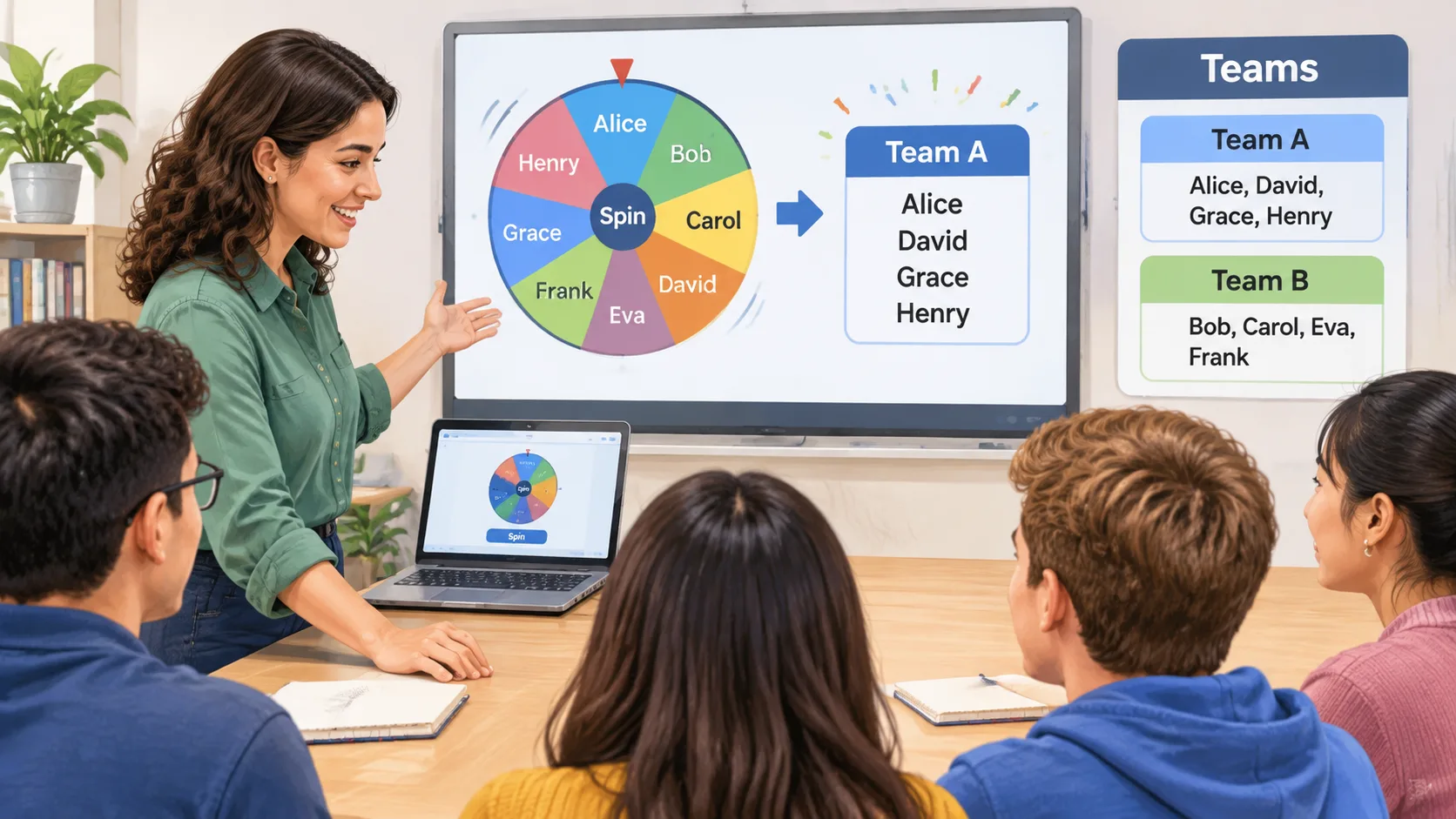
How to Use a Group Wheel Spinner Step by Step
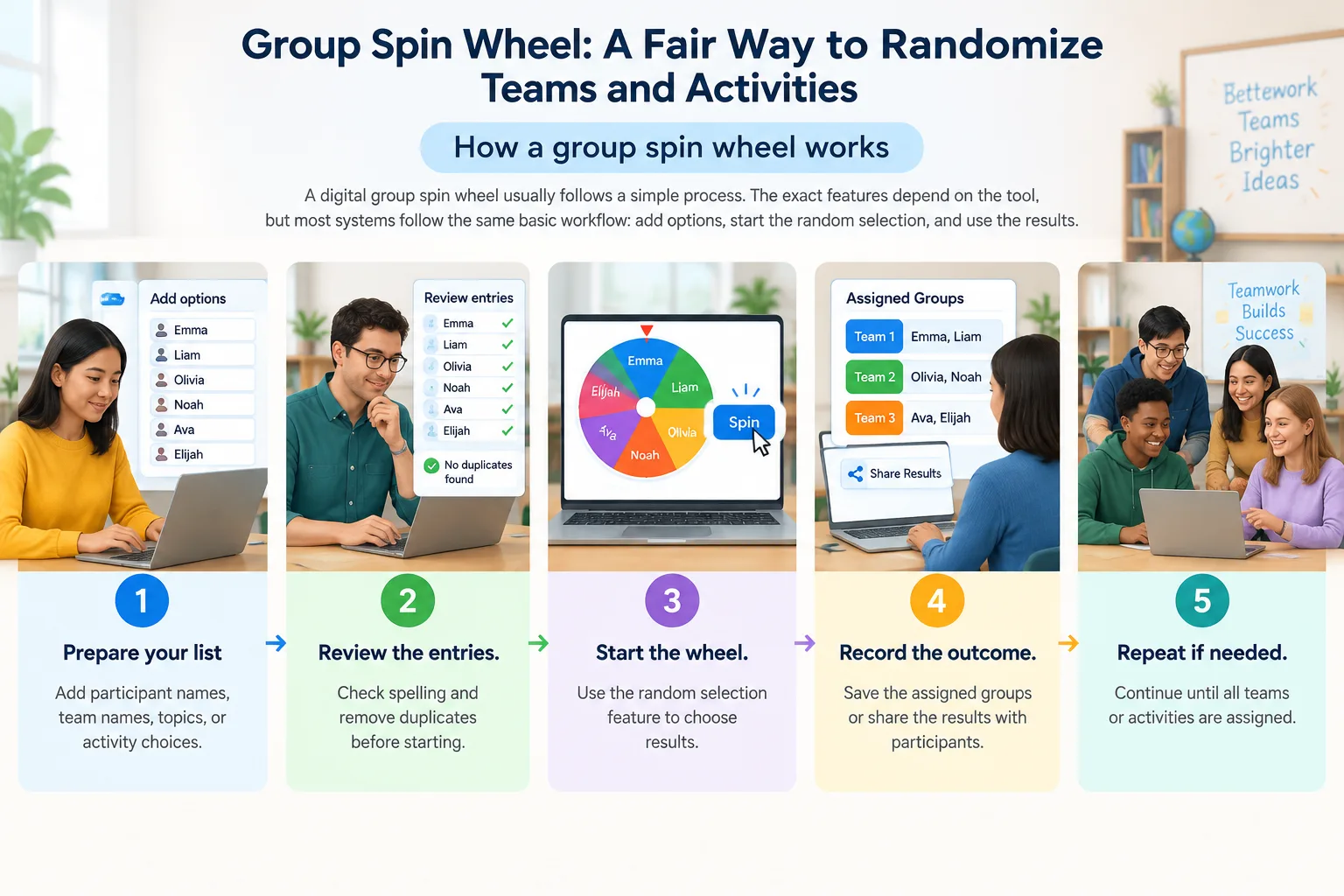
Using a group wheel spinner is straightforward, but a little preparation makes the experience smoother. Before opening the tool, decide how many participants you have and how many teams you need. This helps you avoid unnecessary adjustments once the activity begins.
Follow these steps to organize your participants:
- Open the wheel tool. Visit the group wheel spinner and familiarize yourself with the available options.
- Prepare your participant list. Write down each student's, employee's, or attendee's name. Check for spelling errors and remove duplicate entries.
- Enter the names. Add the participant names to the wheel using the available input controls.
- Choose your grouping approach. Decide whether you need individual selections, several teams, or a sequence of participants for an activity. Use the available settings that match your requirements.
- Start the spin. Activate the wheel and let the selection process run. Make sure everyone understands how the result will be used.
- Record the assignments. Write down the selected names or groups so participants know where to go and what to do.
- Explain the activity. Give each team a clear task, a time limit, and any roles or materials they need.
For example, suppose you have 18 students and want three teams of six. Prepare all 18 names, select the appropriate grouping arrangement, and use the tool's available functionality to organize the participants. If the wheel selects individuals rather than automatically distributing complete teams, record the selections and assign them to teams in the required order. Always check the final headcount before beginning.
A useful classroom habit is to keep the participant list ready before students arrive. This prevents the activity from becoming another administrative task and helps the lesson move forward without unnecessary interruptions.
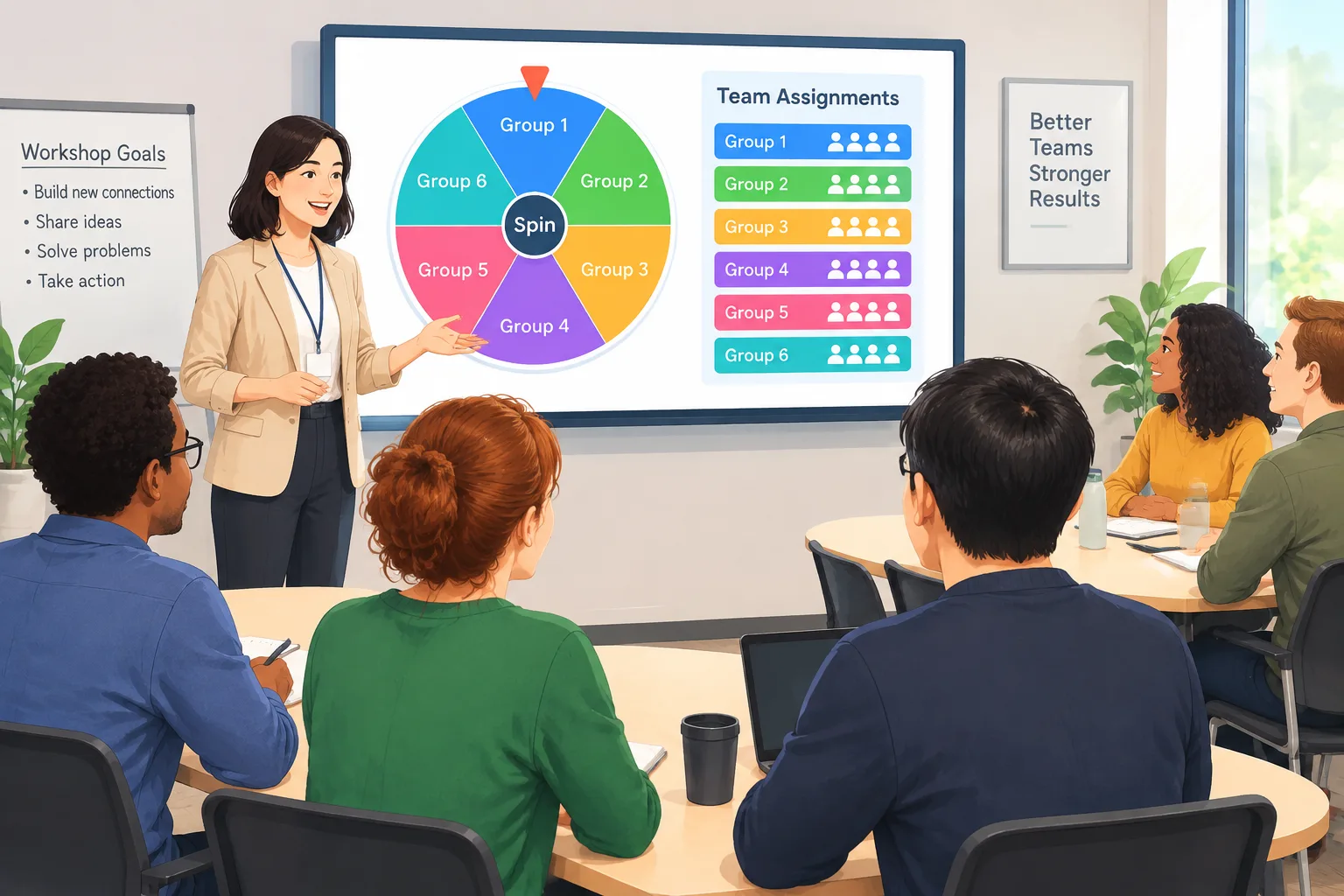
Practical Ways to Use a Group Wheel Spinner in Classrooms
Teachers can use a group wheel spinner for more than dividing students into project teams. It can become part of a regular classroom routine, especially when students need to interact with different classmates throughout the school term. A predictable grouping process also means the teacher can spend less time organizing participants and more time explaining the learning activity.
Small-group discussions: After introducing a new topic, divide students into teams and ask each group to discuss a question. For example, a history teacher might ask students to identify three causes of a historical event and agree on which had the greatest influence. Each team can present its conclusions afterward.
Science experiments: Use random grouping to organize students into laboratory teams. Assign clear responsibilities such as materials manager, recorder, observer, and presenter. This gives each participant a practical contribution and helps prevent one student from doing all the work.
Language practice: Language teachers can create temporary conversation teams for vocabulary games, speaking exercises, or role-play activities. Changing the groups regularly gives students opportunities to practice with different communication styles.
Review games: Before a test, use the wheel to create teams for a classroom quiz. Each group can take turns answering questions, explaining concepts, or solving problems on the board.
For instance, a middle school mathematics teacher could use a group wheel spinner to create four teams for a problem-solving lesson. Each team receives a different problem involving fractions. Students discuss possible solutions, write their reasoning, and choose a spokesperson to explain the result. The teacher can then rotate the teams for a second round.
The best activities have a clear objective. Random grouping is a way to organize participation, not a substitute for a well-designed lesson. Explain what students should produce, how much time they have, and how each person should contribute.
Using a Group Wheel Spinner for Corporate Training and Team Building
Corporate trainers and HR professionals also need practical ways to organize participants. In a workshop, people often arrive with different responsibilities, levels of experience, and relationships with other attendees. Allowing everyone to choose their own team can result in familiar colleagues working together repeatedly.
A group wheel spinner can introduce variety into short training exercises. Facilitators can use random assignments for brainstorming sessions, communication challenges, problem-solving activities, and informal networking exercises. The visual selection process also provides a natural transition between presentations and interactive work.
Consider a training session with 16 employees. The facilitator wants four teams to discuss ways to improve an internal process. After preparing the participant list, the facilitator uses the wheel to help determine the assignments. Each team receives the same discussion question but approaches it from a different perspective. At the end, participants share their recommendations with the entire room.
For a more structured workshop, assign roles after the teams are formed. One person can facilitate the discussion, another can record ideas, a third can monitor time, and another can present the findings. Rotate these responsibilities in later activities so that different people gain experience.
However, random assignment is not always suitable for professional teams. A high-stakes project may require specific technical knowledge, availability, or leadership experience. In those situations, a facilitator should consider these requirements before using a random selection process. A wheel can make a quick decision easier, but it cannot replace professional judgment.
Tips for Making Random Group Assignments Fair and Useful
A random selection process can make group formation feel more impartial, but fairness involves more than the selection itself. The facilitator should consider group sizes, accessibility, participant needs, and the purpose of the activity. A process that appears random may still produce an arrangement that needs adjustment.
Start by deciding whether equal group sizes are essential. If you have 25 students and want six groups, some groups will need to contain one more student than others. That is not necessarily a problem for a short discussion, but it may matter for activities that require identical equipment or evenly distributed responsibilities.
Use these practical guidelines:
- Check the participant count: Make sure every eligible participant appears on the list once.
- Set a realistic group size: Smaller groups often make it easier for everyone to participate. The University of Waterloo's teaching guidance discusses groups of four to five as a useful arrangement for many classroom tasks, while Cornell recommends considering the activity and participant needs when choosing group size.
- Explain the process: Tell participants why you are using random assignment and what will happen after the selection.
- Provide clear responsibilities: Give each team a task and consider assigning rotating roles.
- Check accessibility: Make sure students can understand the results and move to their assigned groups without unnecessary barriers.
- Review the outcome: Correct duplicate entries, missing participants, or unsuitable arrangements before the activity starts.
- Change groups when appropriate: Avoid relying on the same arrangement for every activity if students would benefit from meeting different classmates.
A practical example is a teacher organizing a group presentation. Random selection may be appropriate for a short preparation exercise, but a longer project might require more deliberate consideration of students' skills and support needs. The teacher can use the wheel for initial discussion groups and then create more carefully structured teams for the final assignment.
The key is to be transparent. Tell participants that random selection does not measure their abilities or determine their importance. It is simply a method for organizing the activity.
Group Wheel Spinner vs. Other Group-Making Methods
A spinning wheel is one of several ways to create teams. The best option depends on the activity, the number of participants, and how much control the facilitator needs over the final arrangement.
A traditional random group generator is useful when the main goal is to divide a participant list into multiple groups. It is a practical choice when you want to specify the number of teams or members per team without relying on a wheel-based selection experience. Try the Random Group Generator when you need a straightforward way to organize participants into groups.
A random pair generator is more appropriate when everyone needs a partner for a conversation, peer review, or short collaborative exercise. Instead of creating several larger teams, it focuses on two-person assignments. The Random Pair Generator can help organize these activities.
For situations where the facilitator needs to choose one student to answer a question or demonstrate a solution, a student-selection tool is more suitable than a group wheel. The Random Student Picker is designed for individual selection rather than team formation.
Finally, when the groups already exist but need memorable names, a naming tool can add an extra element of fun. The Group Name Generator can help teachers and facilitators create names for classroom teams, workshop groups, or event activities.
| Method | Best use | Main consideration |
|---|---|---|
| Group wheel spinner | Interactive selection and group activities | Check how selections translate into complete teams |
| Random group generator | Dividing participants into multiple teams | Choose an appropriate group size |
| Random pair generator | Partner discussions and peer review | Best for two-person activities |
| Random student picker | Selecting an individual participant | Does not create complete teams |
| Group name generator | Naming existing teams | Does not assign participants |
There is no single method that works for every situation. A short classroom warm-up, a semester-long project, and a corporate planning workshop all have different requirements. Choose the method that supports the purpose of the activity rather than selecting a tool simply because it looks entertaining.
Common Mistakes to Avoid When Spinning a Group Wheel
Even a simple tool can create confusion if the activity is not prepared properly. One common mistake is entering incomplete or duplicate participant names. If someone is missing, they may not receive an assignment. If a name appears twice, the same participant could be selected more than once. Always review the list before starting.
Another mistake is assuming that random selection guarantees balanced teams. Random assignments can produce unequal distributions of experience, confidence, or subject knowledge. That may be acceptable for a five-minute discussion, but it may not be appropriate for an important assessment or a long-term project. For those activities, consider making adjustments based on relevant educational or professional requirements.
Facilitators should also avoid spinning the wheel without explaining what happens next. Participants need to know where to go, how long the activity will last, and what they are expected to contribute. A quick explanation can prevent confusion and make transitions smoother.
Finally, do not use the wheel as a way to embarrass reluctant participants or force people into unsuitable situations. Consider individual accommodations, accessibility needs, and relevant classroom policies. If a participant has a legitimate reason to change groups, handle the situation respectfully and privately.
Frequently Asked Questions About Group Wheel Spinners
What is a group wheel spinner used for?
A group wheel spinner helps teachers, trainers, and event organizers select participants or organize group activities through a spinning wheel. It is particularly useful for quick discussions, classroom games, workshops, and informal team-building exercises. The exact grouping options depend on the tool being used.
Is a group wheel spinner fair?
A random selection process can reduce the influence of personal preferences when assigning participants. However, fairness also depends on using a complete participant list, checking group sizes, and considering accessibility and individual needs. Random selection does not automatically produce teams with equal skills or experience.
Can teachers use a group wheel spinner for classroom activities?
Yes. Teachers can use a group wheel spinner to organize discussion teams, review games, science activities, and language exercises. It works especially well for short activities where students can benefit from working with different classmates. For long-term projects, teachers may prefer more intentional group assignments.
How many people should be in each group?
The ideal group size depends on the task. Groups of two or three can work well for short discussions, while groups of four or five may be suitable for more involved collaborative activities. Consider how much time participants need to speak, the complexity of the task, and whether everyone has a meaningful role.
Does random grouping guarantee balanced teams?
No. Random grouping helps vary team composition, but it does not assess participants' knowledge, experience, strengths, or availability. If a project requires specific skills or carefully distributed responsibilities, review the assignments and make adjustments before starting.
Can I use a group wheel spinner for online meetings?
A facilitator can use a digital wheel during an online meeting to help determine participant assignments. For video conferences, announce the results clearly and then organize participants using the meeting platform's available breakout-room features. The wheel supports the selection process; it does not necessarily create or manage the meeting rooms itself.
Try a Group Wheel Spinner for Your Next Activity
Creating groups does not need to become a lengthy classroom or workshop routine. A group wheel spinner gives teachers and facilitators a visual way to organize participants, introduce variety, and move into collaborative activities with less administrative effort.
Prepare your participant list, decide what kind of grouping your activity requires, and explain the process before spinning. Remember that random selection is most useful for short activities where impartial assignment and variety matter more than carefully matched skills.
Ready to organize your next classroom discussion, team-building exercise, or workshop? Try the group wheel spinner and make your next group assignment easier to manage.
Related Tools
Pick the right generator for the job — every tool runs free in your browser.