
name pairing generator
Name Pairing Generator: Match Names into Random Pairs
Learn how a name pairing generator creates fair random pairs for classrooms, workshops, and teams. Follow practical steps and examples for better pair activities.
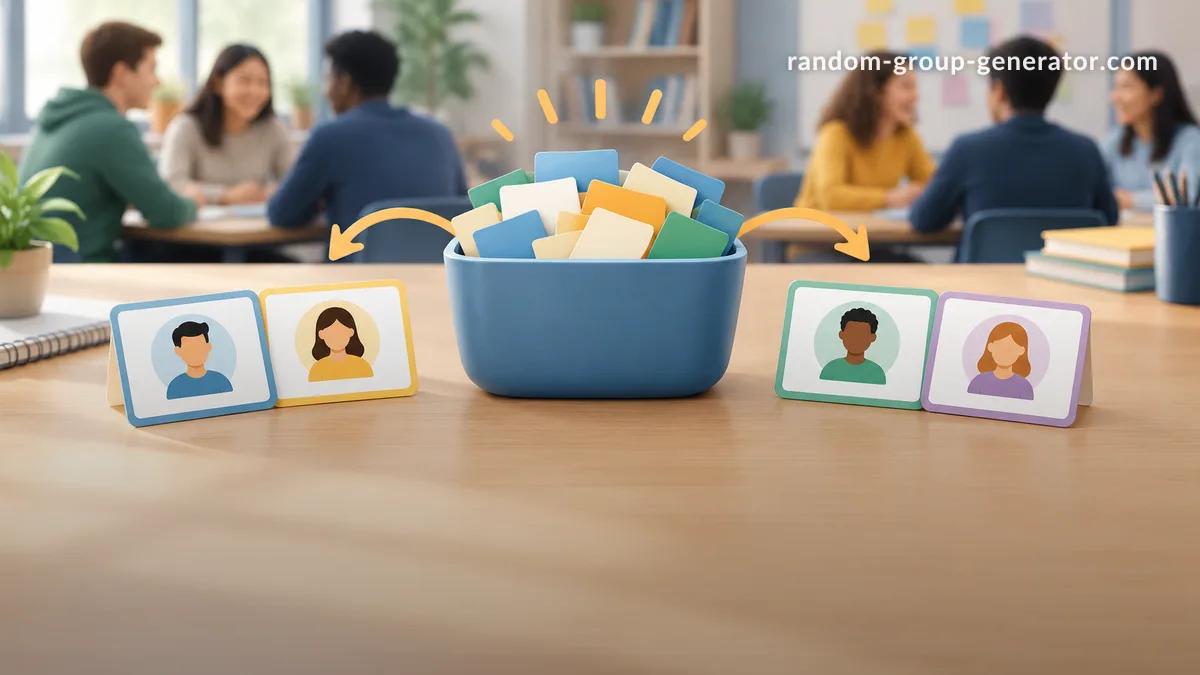
Finding the right partners for an activity can take valuable time, especially when a teacher or facilitator needs to avoid the same people always working together. A name pairing generator solves this problem by creating random pairs from a list of names, making partner selection faster, fairer, and easier to manage in classrooms, training sessions, and team events.
Teachers use name pairing tools for discussion partners, peer reviews, language practice, science activities, and classroom challenges. Corporate trainers and event organizers use them for networking exercises and workshop activities. This guide explains how a name pairing generator works, how to use one effectively, and how to decide when random pairing is the best approach.
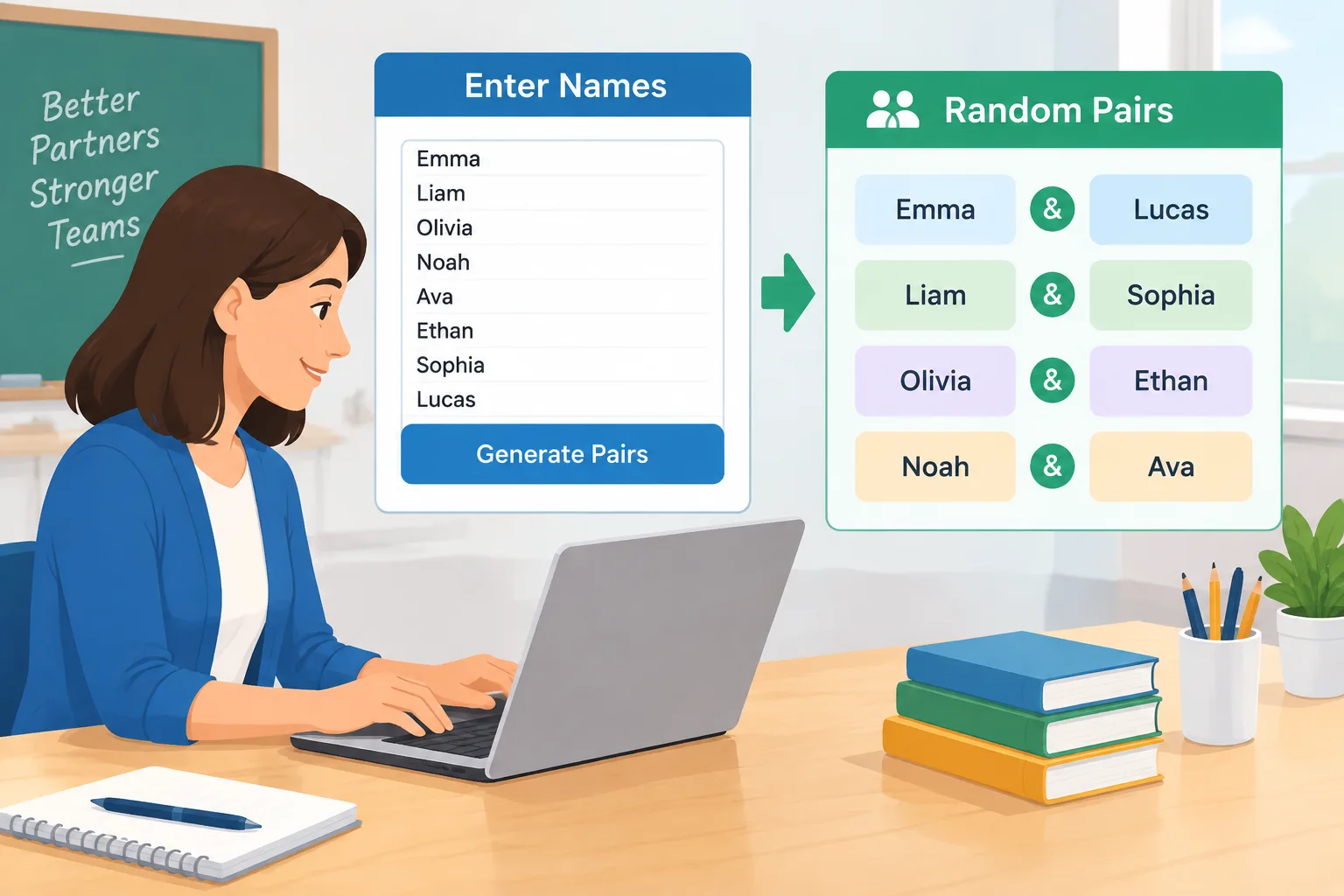
Why use a name pairing generator instead of choosing partners manually?
Choosing pairs by hand seems simple when a group is small, but it becomes difficult as the number of participants grows. A teacher with 30 students may spend several minutes assigning partners, while a workshop leader may need to create new pairs repeatedly during a session. Manual selection can also lead to predictable patterns where friends, experienced participants, or the same coworkers continue working together.
A random name pairing generator provides a structured way to create pairs from a prepared list. The main benefit is not that randomness solves every group challenge. Instead, it gives the facilitator a neutral starting point. Everyone has an equal opportunity to be selected, and the person running the activity can focus on teaching or leading rather than organizing names.
For example, a middle school teacher planning a vocabulary activity can enter the class list and generate pairs before the lesson begins. Students receive new discussion partners without the teacher needing to manage every combination. A corporate trainer can do the same for a workshop exercise where employees need to meet someone from a different department.
A name pair generator is especially useful when you need:
- Quick partner assignments during a live activity.
- Fresh combinations after previous rounds of collaboration.
- A fair process that participants can easily understand.
- A repeatable workflow for multiple classes or events.
For larger group activities, you can also combine pairing with broader grouping workflows by using the Random Group Generator when you need teams instead of two-person matches.
How a name pairing generator works
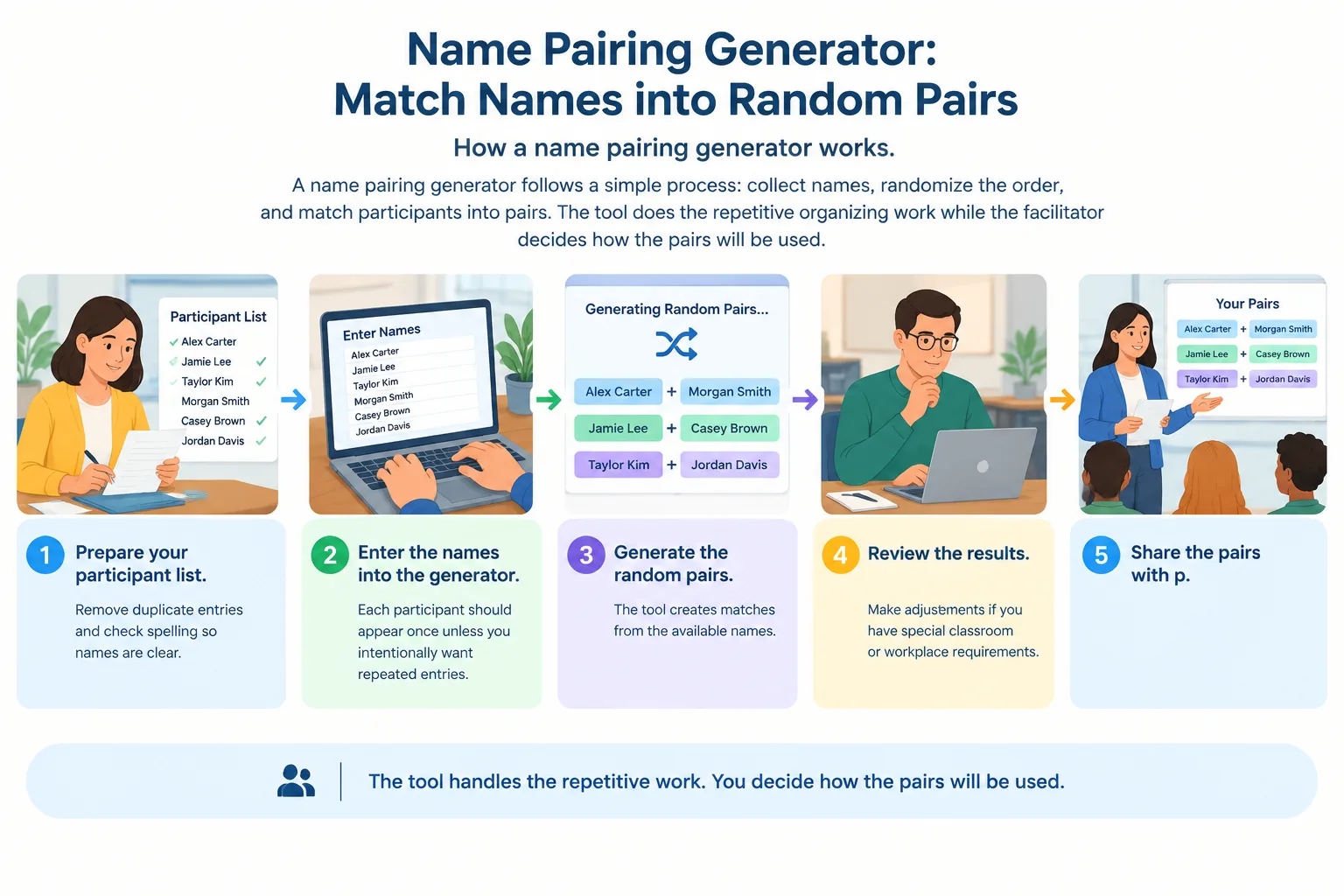
A name pairing generator follows a simple process: collect names, randomize the order, and match participants into pairs. The tool does the repetitive organizing work while the facilitator decides how the pairs will be used.
Most random pairing activities follow these steps:
- Prepare your participant list. Remove duplicate entries and check spelling so names are clear.
- Enter the names into the generator. Each participant should appear once unless you intentionally want repeated entries.
- Generate the random pairs. The tool creates matches from the available names.
- Review the results. Make adjustments if you have special classroom or workplace requirements.
- Share the pairs with participants and begin the activity.
For an even number of participants, the generator can usually create complete pairs. If there is an odd number of names, the facilitator may need to decide whether one person works in a group of three, joins the facilitator, or rotates between pairs.
For example, a language teacher has 23 students preparing conversation practice. A name pairing generator creates 11 pairs and leaves one student without a partner. The teacher can create one group of three or use the extra student as an observer who changes partners during the activity.
This flexibility is important because random tools support decisions; they do not replace the judgment of the educator or facilitator.
How to use a name pairing generator for classroom activities
Classrooms often need quick partner changes. When students always choose their own partners, some learners may rarely work with new classmates. Random pairing creates opportunities for different conversations and collaboration patterns.
Teachers can use a random name pairing generator for many activities, including:
- Think-pair-share discussions.
- Peer feedback sessions.
- Reading partners.
- Problem-solving exercises.
- Review games before tests.
- Language speaking practice.
A practical classroom workflow looks like this:
- Create a list of students before class.
- Decide the purpose of the pairing activity.
- Generate pairs at the start of the lesson or prepare them in advance.
- Explain the activity rules clearly.
- Run the activity and collect feedback if needed.
For example, a college instructor preparing a discussion about a research article can generate pairs before class. Students discuss assigned questions with a partner they may not normally choose. The instructor can then ask pairs to share ideas with the larger group.
Random pairing works best when the activity benefits from new interactions. It may not be the right choice for every situation. Students completing a long-term project may need carefully selected partners based on skills, schedules, or learning needs.
If you need to randomly select individual participants rather than pairs, a Random Student Picker can support classroom participation activities.
Using random name pairing for teams and workshops
Facilitators often use pair activities to help participants connect quickly. In workshops, new pairs can encourage communication between people who do not normally work together. This is useful for onboarding sessions, training events, and team-building exercises.
A name pairing generator can support activities such as:
- Introductions between attendees.
- Two-person brainstorming sessions.
- Peer coaching exercises.
- Feedback conversations.
- Networking rotations.
For example, an HR trainer runs a leadership workshop for employees from several departments. Instead of allowing coworkers from the same team to sit together, the trainer creates random pairs for an opening discussion. Participants meet someone new and exchange perspectives before moving into larger activities.
When using a pairing generator in professional settings, consider these practical points:
- Tell participants why pairs are randomized. Transparency helps people understand the purpose.
- Avoid pairing rules that could create discomfort or unfair situations.
- Provide alternatives when accessibility or communication needs require changes.
- Use new rounds of pairing when repeated interaction is part of the workshop design.
A random pairing system should support inclusion and participation, not force unsuitable combinations.
Name pairing generator compared with other pairing methods
Different situations require different approaches. A name pairing generator is one option among several ways to assign partners.
Manual pairing gives the facilitator maximum control. It is useful when you need to match specific skills or experience levels. However, it takes more time and may introduce personal preferences into the process.
Self-selection allows participants to choose their own partners. This can be comfortable for casual activities, but it may result in the same groups forming repeatedly.
A random name pair generator balances speed and fairness. It is most useful when the goal is to create unexpected combinations quickly.
Here is a simple comparison:
| Method | Best for | Possible limitation |
|---|---|---|
| Manual selection | Special requirements and skill matching | Takes more preparation time |
| Self-selection | Informal activities | Can create repeated pairings |
| Random pairing generator | Fast and neutral partner selection | May need adjustments for special cases |
For activities that need larger teams, consider a Random Pair Generator or a group creation tool depending on your goal.
Tips for getting better results from a name pairing generator
A random tool works best when combined with good activity planning. The quality of the experience depends on what happens before and after the pairs are created.
Before generating pairs, check your list carefully. Remove names of absent participants and make sure everyone who should participate is included. If your activity has specific requirements, decide in advance whether you need to adjust the results.
During the activity, explain the purpose of random pairing. Participants are more likely to engage when they understand that the goal is to encourage new connections, balanced participation, or fresh ideas.
After the activity, consider whether the pairing method worked well. If participants need several rounds of collaboration, generating new pairs each round can create more variety. If the activity requires deeper teamwork, a stable group structure may work better.
For example, an event organizer running a networking session can create three rounds of random pairs. Each round gives attendees a chance to meet different people while keeping the process simple.
A useful workflow can also include naming or organizing groups after pairs are created. A Group Name Generator can help add structure to team activities when pairs become larger groups later.
Frequently asked questions about name pairing generators
What is a name pairing generator?
A name pairing generator is an online tool that randomly matches names into pairs. Users enter a list of participants, and the tool creates partner combinations for activities such as classroom discussions, workshops, and team exercises.
How many names can I use in a name pairing generator?
The number of names depends on the specific tool and its design. For best results, prepare a clean list and check whether your group size creates complete pairs or leaves an extra participant.
Is random name pairing fair for students?
Random name pairing can provide a fair starting point because participants are selected without personal preference. However, teachers should still consider learning needs, accessibility, and activity goals before using the results.
Can I use a name pairing generator for workplace events?
Yes. Trainers, managers, and event organizers can use random pairing for introductions, networking, brainstorming, and workshop exercises. It works especially well when the goal is to encourage interaction between different participants.
What should I do if there is an odd number of names?
If one participant is left over, you can create a group of three, have the person join another pair, or adjust the activity format. The best option depends on the purpose of the session.
Create random pairs faster with a name pairing generator
A name pairing generator helps educators and facilitators spend less time organizing names and more time focusing on meaningful activities. Whether you are creating classroom partners, workshop conversations, or team exercises, random pairing provides a simple and transparent way to connect participants.
Start your next activity with the Random Pair Generator and create balanced pairs in just a few steps.
Related Tools
Pick the right generator for the job — every tool runs free in your browser.