
random group generator
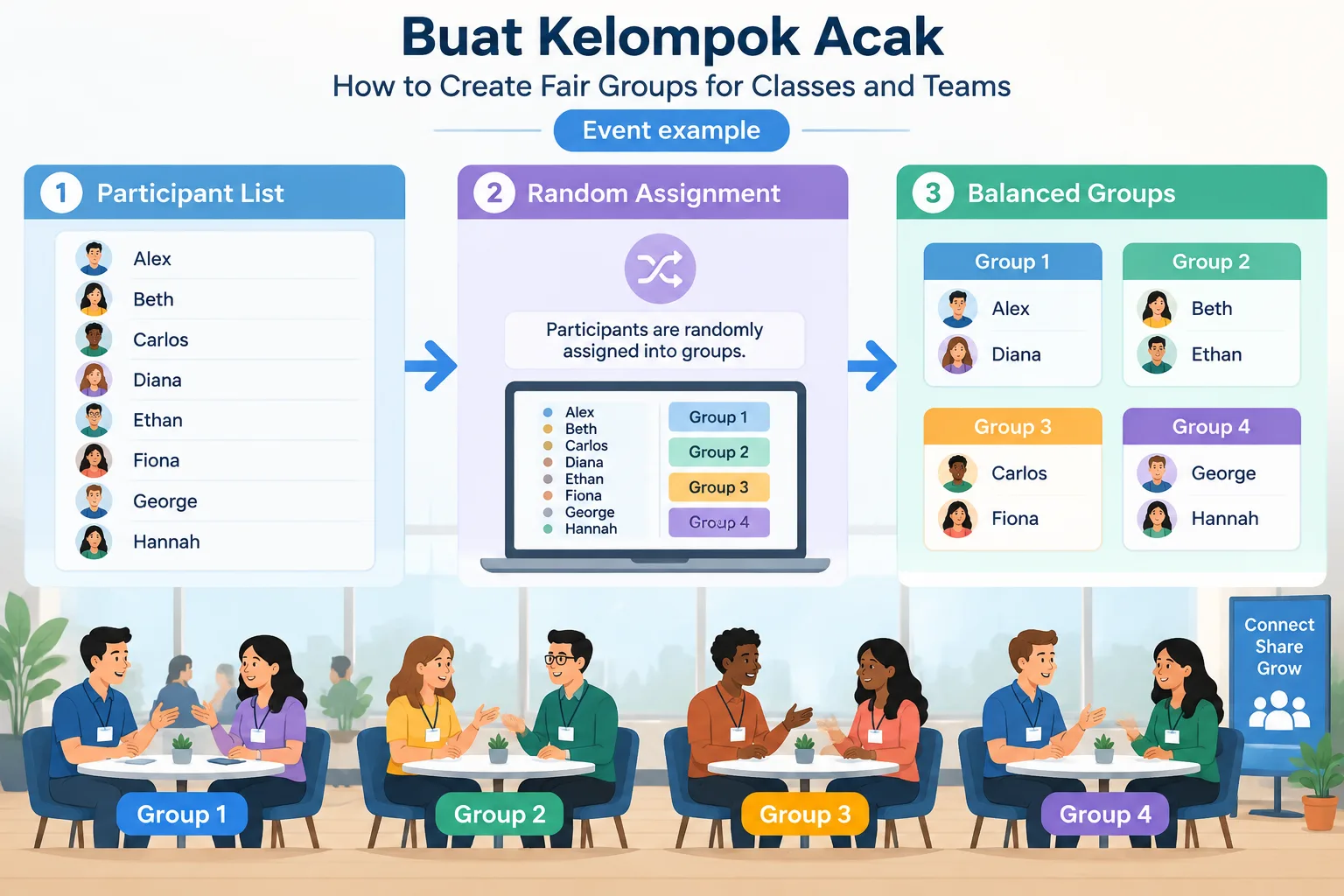
Buat Kelompok Acak: How to Create Fair Groups for Classes and Teams
Learn how to buat kelompok acak for classrooms, workshops, and teams using fair random grouping methods. Follow practical steps and examples for balanced groups.
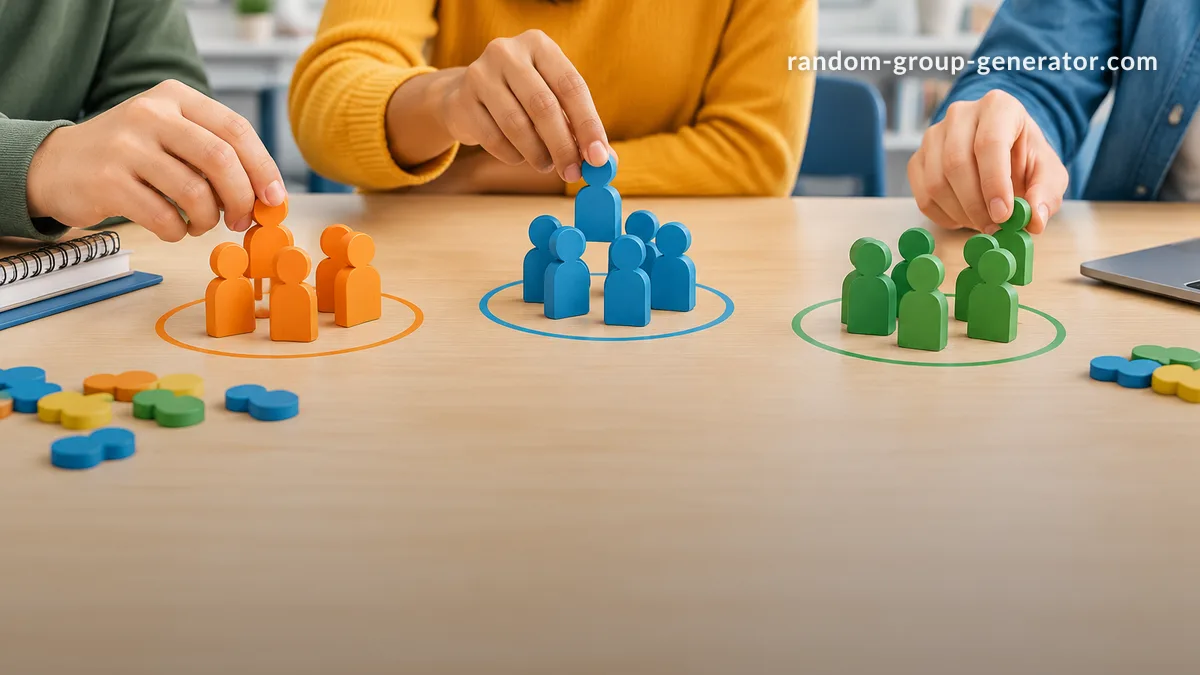
When a teacher or facilitator needs to divide people into teams, choosing groups manually can take time and create concerns about fairness. Buat kelompok acak is a way to create random groups quickly so students, employees, or participants can be assigned without personal bias. This guide explains how random grouping works, when it is useful, and how to use a digital random group generator for classrooms and team activities.
Random groups are useful for many situations, including classroom projects, training sessions, workshops, and collaborative events. A good random grouping process should be simple, transparent, and flexible enough to match the activity. While random assignment does not solve every group challenge, it can help facilitators save time and encourage people to work with different partners.
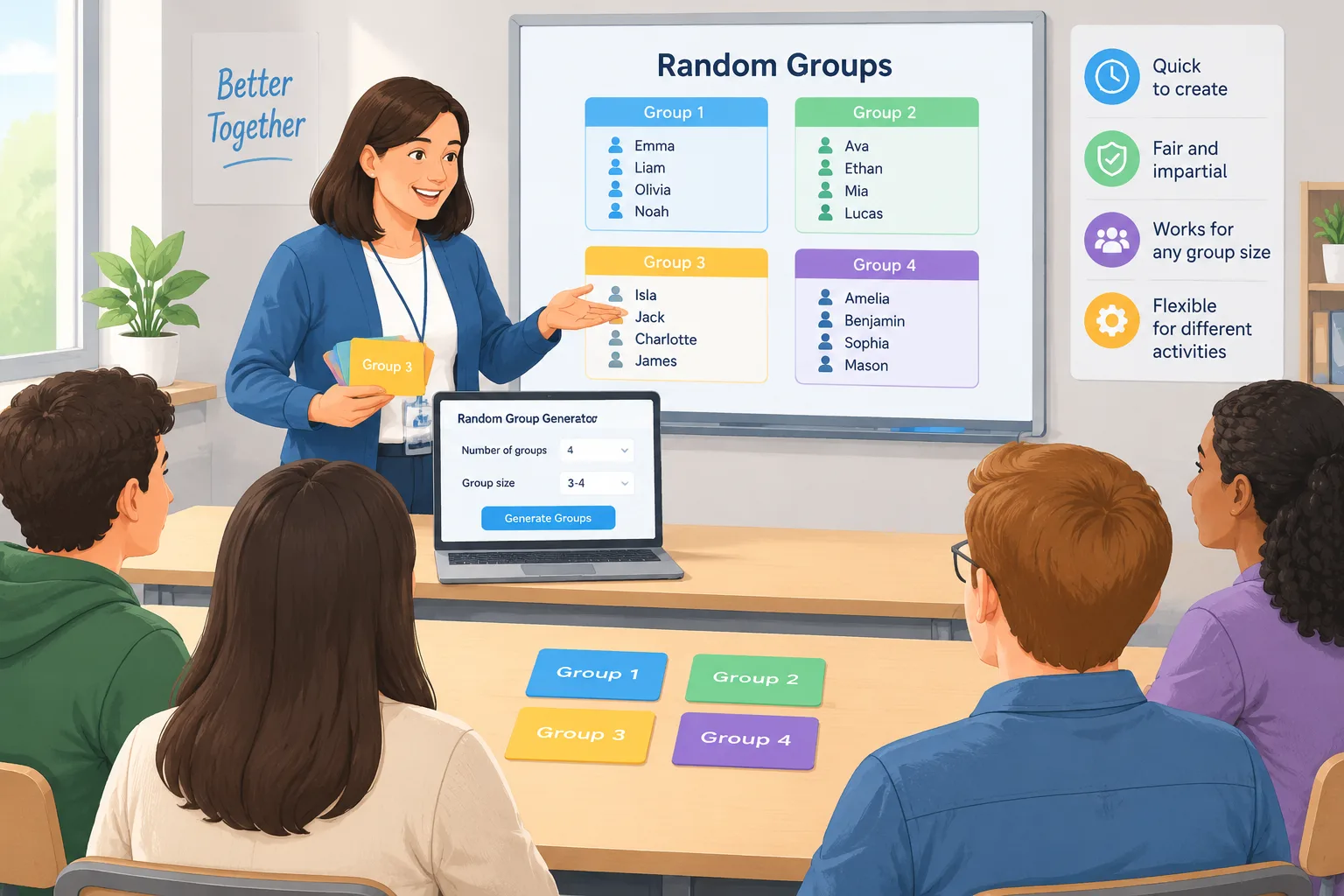
Why buat kelompok acak helps teachers and facilitators
Creating groups by hand often becomes difficult when there are many participants. A teacher may need to remember previous groups, avoid repeating the same partners, or make sure each team has a similar number of members. In a workplace setting, a trainer may face the same challenge when organizing breakout discussions or project teams.
Random grouping provides a neutral starting point. Instead of participants wondering why they were placed together, the facilitator can explain that groups were created through a fair random process. This can reduce preparation time and help activities begin faster.
For example, a middle school teacher preparing a science project with 28 students may need seven groups of four. Rather than spending several minutes arranging names on a board, the teacher can use a random group tool, check the results, and start the lesson with more time available for discussion.
Random grouping is also helpful for encouraging new interactions. Students who usually work with the same classmates may have opportunities to communicate with different people. Corporate trainers can use similar methods to mix departments during workshops and create more varied conversations.
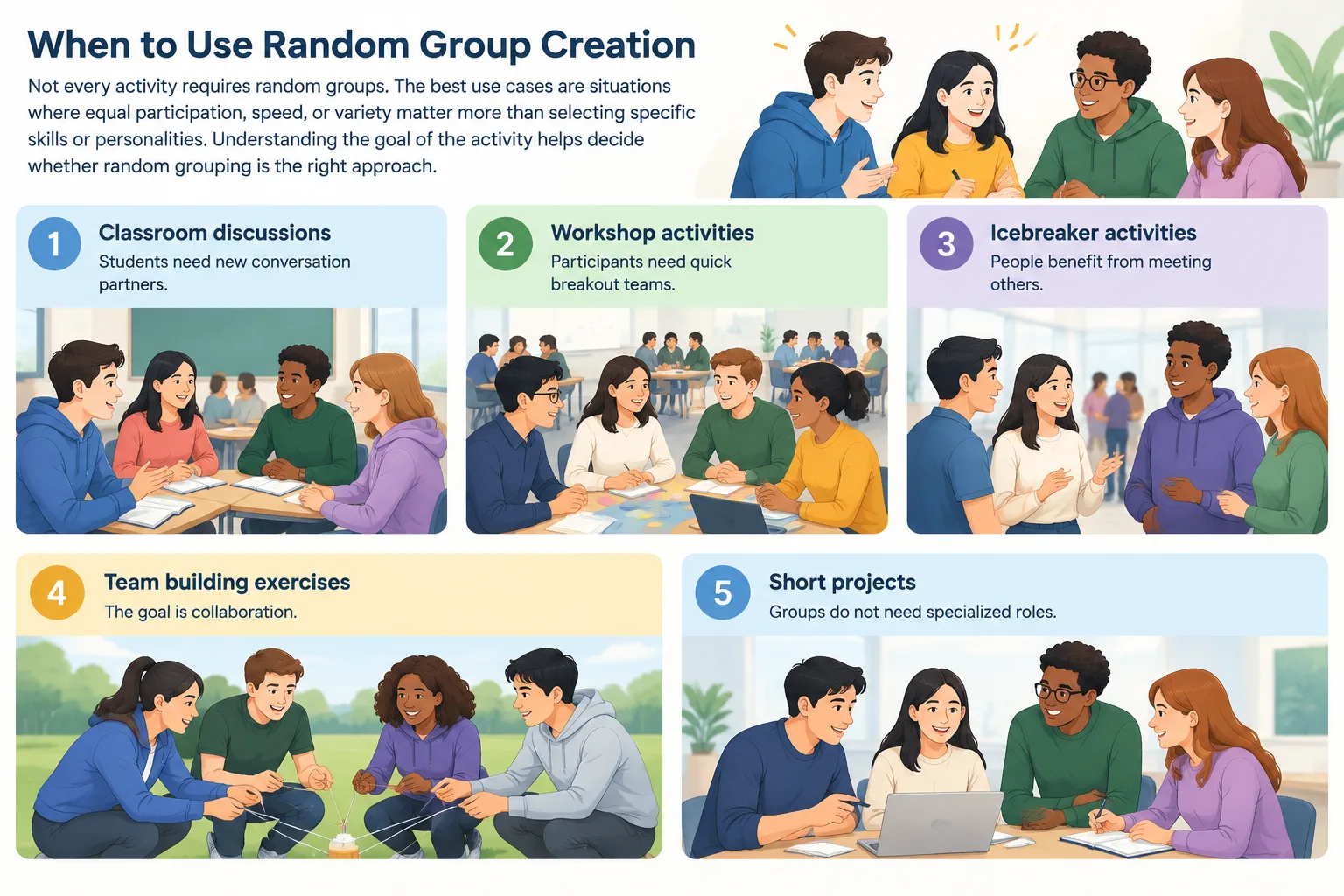
When to use random group creation
Not every activity requires random groups. The best use cases are situations where equal participation, speed, or variety matter more than selecting specific skills or personalities. Understanding the goal of the activity helps decide whether random grouping is the right approach.
Common situations where random groups work well include:
- Classroom discussions where students need new conversation partners.
- Workshop activities where participants need quick breakout teams.
- Icebreaker activities where people benefit from meeting others.
- Team-building exercises where the goal is collaboration.
- Short projects where groups do not need specialized roles.
For example, a university lecturer may use random groups for a 15-minute discussion activity. The purpose is not to create permanent project teams but to encourage students to exchange ideas with classmates they do not normally work with.
However, random groups may not be the best choice for every project. Long-term assignments requiring specific expertise may need carefully planned teams. In those cases, facilitators can combine random selection with skill-based adjustments after reviewing the generated groups.
How to buat kelompok acak step by step
A reliable random grouping process starts with clear preparation. The goal is not only to click a button and receive groups but to make sure the results fit the activity requirements.
Follow these steps:
Step 1: Prepare your participant list
Collect the names of everyone who needs to be assigned. Remove duplicate names and check spelling before creating groups. A clean list helps prevent confusion during the activity.
Example: A trainer has 24 employees attending a communication workshop. The participant list is prepared before the session begins so teams can be created immediately when needed.
Step 2: Decide your group size
Choose the number of people needed for each group. Smaller groups are usually better for discussions, while larger groups may work for collaborative projects.
For example:
- Pairs work well for quick conversations.
- Groups of three to five are useful for problem-solving.
- Larger teams can support complex activities with assigned roles.
If you need pairs instead of larger teams, a Random Pair Generator can help create partner assignments quickly.
Step 3: Generate the groups
Use a random grouping tool to distribute participants. A tool such as the Random Group Generator can help create groups without manually moving names around.
The process is simple:
- Enter participant names.
- Select the desired group size or number of groups.
- Generate the random groups.
- Review the results before sharing them.
Step 4: Adjust when necessary
Random does not always mean perfect. A facilitator may need small adjustments for accessibility, scheduling, or activity requirements. The important point is to start from a neutral process rather than creating groups entirely based on personal preference.
A practical example is a teacher creating reading discussion groups. After generating random groups, the teacher may notice one student needs additional support. The teacher can make a small change while keeping the overall grouping process fair.
Real examples of random grouping in action
Different environments use random groups for different reasons. Understanding these examples can help educators and facilitators decide how to apply the method.
Classroom example
A high school teacher plans a history debate. The class has 32 students, and the teacher wants eight groups of four. The teacher creates random groups, gives each team a topic, and asks students to prepare arguments together.
The benefit is that students interact with classmates outside their usual social circles. The teacher spends less time organizing teams and more time supporting the activity.
Corporate training example
A company runs a leadership workshop with employees from different departments. The facilitator creates random discussion groups for each session. This helps participants share perspectives from different roles instead of staying with familiar colleagues.
Event example
An event organizer hosts a networking session where attendees need short conversations with new people. Random pairs or small groups can create a structured way for participants to connect.
Random groups compared with manual group selection
Manual selection gives teachers and facilitators more control, but it also requires more time and attention. A person choosing groups may unintentionally repeat patterns or rely on assumptions about participants.
Random grouping is faster and easier to explain. It works especially well when fairness and speed are priorities. Digital tools can also support repeated activities because the facilitator can create new combinations whenever needed.
Manual grouping may still be better when the activity requires specific experience levels, carefully balanced skills, or known support needs. For example, a research project may require students with different technical abilities in each team.
Many facilitators use a combination approach: start with random groups, then make small changes based on clear requirements. This keeps the process efficient while allowing professional judgment.
Tips for better random group activities
A random group assignment is only the beginning. The activity design determines whether the groups succeed. Clear instructions, reasonable group sizes, and defined goals help participants work effectively.
Useful tips include:
- Explain why groups were created randomly.
- Give each group a clear task and time limit.
- Encourage equal participation.
- Change groups regularly for repeated activities.
- Collect feedback after major projects.
For classroom activities, teachers can also combine grouping with tools such as a Random Student Picker when they need to select speakers or participants fairly.
For creative activities, a Group Name Generator can add a fun step after groups are created. Teams can choose or receive names before starting a challenge or competition.
FAQ about buat kelompok acak
What does buat kelompok acak mean?
Buat kelompok acak means creating random groups or teams. It describes the process of assigning people into groups without manually choosing every member. In education and facilitation, it is commonly used to create fair teams quickly.
Is random grouping fair for classroom activities?
Random grouping can be a fair method because everyone follows the same assignment process. However, teachers should consider the purpose of the activity and make adjustments when specific learning needs or requirements exist.
How many people should be in a random group?
The ideal group size depends on the activity. Groups of two to five people often work well for discussions and collaborative tasks. Larger groups may be useful for projects with multiple roles.
Can random groups be created online?
Yes. Online random group tools can create assignments from a participant list. They are useful for remote classes, virtual workshops, and hybrid meetings where quick organization is needed.
When should I avoid using random groups?
Avoid relying only on random groups when a task requires specific skills, experience levels, or carefully balanced roles. In those situations, use random grouping as a starting point and make thoughtful adjustments.
Start creating fair groups today
Whether you are organizing a classroom activity, training session, or team exercise, a random approach can make group creation faster and easier. Try the Random Group Generator to create balanced groups in just a few steps and spend more time focusing on the activity itself.