
Dividir una lista en varios grupos
Usa Generador de Grupos Aleatorios cuando necesites tres o más equipos o cualquier lógica de equilibrio.

Agrupación
Divide a los participantes en grupos equilibrados en segundos
Usa Generador de Grupos Aleatorios cuando necesites tres o más equipos o cualquier lógica de equilibrio.

Agrupación
Crea parejas aleatorias rápido para clases, práctica oral y talleres.
Usa Random Pair Generator como generador de parejas o selector de compañeros para debates, práctica oral, revisión entre pares y dinámicas de presentación.

Agrupación
Gira la ruleta una vez para repartir toda tu lista en grupos, equipos o parejas equilibrados.

Agrupación
Crea un sorteo de Secret Santa justo, sin auto-asignaciones, con reglas de exclusión y enlaces privados de revelación.

Sorteos
Gira una ruleta de nombres para participación justa, pantalla completa y rondas sin repetir hasta reiniciar.
Usa Ruleta aleatoria de estudiantes para preguntar a estudiantes, comprobar respuestas y ordenar la participación.

Sorteos
Gira la ruleta para llenar grupos sorteo a sorteo o sacar nombres individuales en vivo.

Sorteos
Baraja cualquier lista en un orden aleatorio numerado en segundos — presentaciones, orden de turnos, alineaciones y sorteos, directamente en tu navegador.
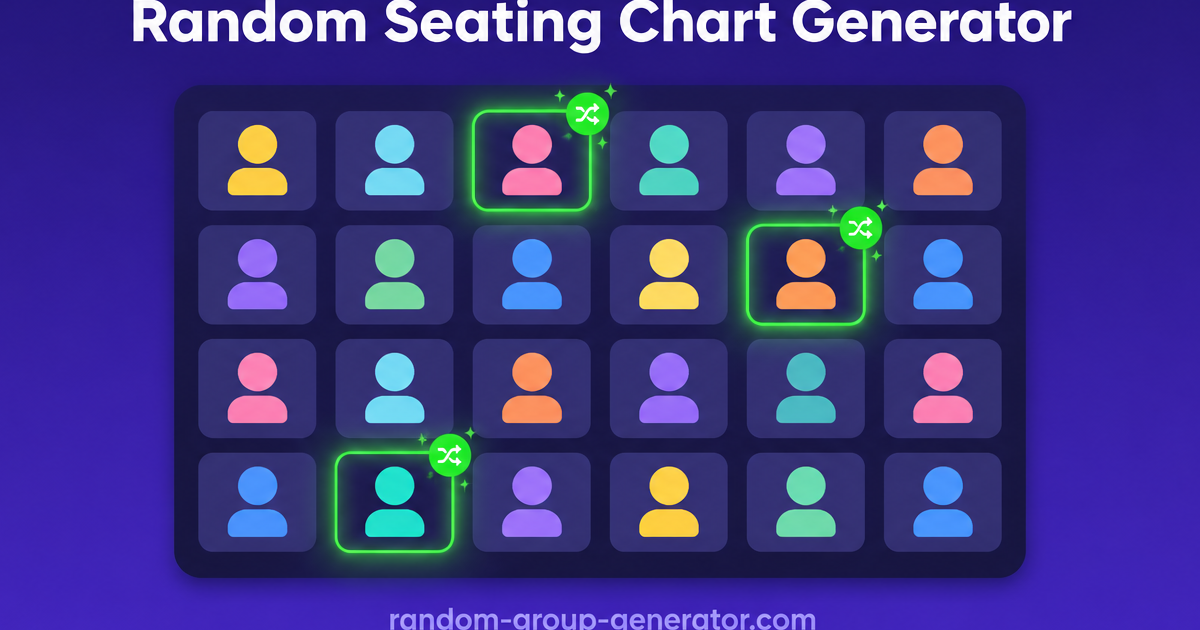
Aula
Convierte una lista de clase en un plan de asientos aleatorio con filas, asientos numerados y resultado imprimible en segundos.

Aula
Crea en segundos un calendario de rotación de estaciones justo: define tus grupos, tus estaciones y los minutos por rotación, y obtén un cuadro que cada grupo puede seguir.

Generadores de nombres
Genera nombres prácticos para grupos de clase, equipos de trabajo y eventos.
Usa Group Name Generator cuando quieras ideas prácticas de nombres antes o durante el armado de equipos.

Juegos de fiesta
Randomiza el orden de turnos de tu intercambio de regalos white elephant en segundos, con chuletas de las reglas de robo para toda la fiesta.

Juegos de fiesta
Pega de 4 a 64 equipos y obtén un cuadro de eliminación directa con cabezas de serie aleatorias y byes automáticos — cada ronda trazada desde el primer cruce hasta la final.

Juegos de fiesta
Estima un presupuesto justo para tu evento en segundos: introduce asistentes, un presupuesto por persona y un margen para extras, y obtén un total con un rango de planificación.
Herramientas
Elige desde una página central la herramienta adecuada para repartir grupos, emparejar, elegir con equidad o poner nombre a equipos.
Respuesta rápida
Este centro ayuda a identificar primero la tarea real y luego abrir la herramienta que le corresponde.
Usa la página de inicio para grupos grandes, la de parejas para actividades de dos, la de selección para elegir con equidad y la de nombres para los nombres de grupo.
Elegir por tarea es más rápido que abrir herramientas a ciegas.
Usa Generador de Grupos Aleatorios cuando necesites tres o más equipos o cualquier lógica de equilibrio.
Usa Random Pair Generator como generador de parejas o selector de compañeros para debates, práctica oral, revisión entre pares y dinámicas de presentación.
Usa Ruleta aleatoria de estudiantes para preguntar a estudiantes, comprobar respuestas y ordenar la participación.
Usa Group Name Generator cuando quieras ideas prácticas de nombres antes o durante el armado de equipos.
Un flujo simple de cuatro pasos, de la decisión a la ejecución.
Decide si el trabajo es agrupar, emparejar, seleccionar o nombrar.
Empieza en la página más específica que siga encajando con la tarea.
Agrupar, emparejar y seleccionar usan listas. Nombrar usa palabras clave o contexto.
Crea el resultado, ajusta lo necesario y expórtalo o compártelo.
La herramienta correcta depende del contexto real de la sesión.
El profesorado alterna agrupación completa, trabajo en parejas, selección equitativa y nombres sin salir del mismo producto.
Quien facilita puede pasar de subgrupos a parejas, preguntas y nombres ligeros según avanza la sesión.
La organización nombra equipos, reparte grupos, rota parejas y garantiza participación equitativa desde un único kit.
El profesorado en línea mantiene el ritmo con emparejamiento y selección aleatoria.
Límites claros entre herramientas reducen clics erróneos, marchas atrás y fatiga de decisión en directo.
“«Elegir por tarea y no por intuición hizo nuestra planificación de sesiones mucho más fluida.»”
Consulta estos comparativos cuando dudes qué página debe llevar el flujo.
Descubre cómo un selector aleatorio de estudiantes puede eliminar el sesgo en el aula, fomentar la participación equitativa y mejorar la dinámica de aprendizaje. Guía paso a paso y ejemplos prácticos.
Leer artículoRespuestas rápidas sobre elección de herramienta, equidad y límites del flujo.
Usa la página de parejas cuando cada participante solo necesita un compañero. Usa la de inicio cuando la lista se divida en varios grupos.
Sí. Crea primero los grupos y usa luego el selector para elegir quién habla por equipo o quién responde.
No. Está pensado para nombres ligeros: grupos de clase, equipos de proyecto y equipos de evento.
Sí. Según la herramienta y el flujo, los resultados se pueden copiar, exportar o compartir.
Elige primero la tarea y abre luego la página correcta.