
تقسيم قائمة إلى عدة مجموعات
استخدم مولّد المجموعات العشوائية عندما تحتاج إلى ثلاث فرق أو أكثر أو أي منطق لموازنة الأعضاء.

التوزيع إلى مجموعات
قسّم المشاركين إلى مجموعات متوازنة خلال ثوانٍ
استخدم مولّد المجموعات العشوائية عندما تحتاج إلى ثلاث فرق أو أكثر أو أي منطق لموازنة الأعضاء.

التوزيع إلى مجموعات
أنشئ أزواجاً عشوائية بسرعة للصف والمحادثة والورش.
استخدم Random Pair Generator كأداة لإعداد الأزواج أو اختيار الشركاء في نقاشات الصف وتدريبات المحادثة والتقييم بالأقران وكسر الجليد.

التوزيع إلى مجموعات
أدر العجلة مرة واحدة لتقسيم قائمتك بأكملها إلى مجموعات وفرق وأزواج متوازنة.

التوزيع إلى مجموعات
أنشئ سحبة سيكرت سانتا عادلة بلا مطابقات ذاتية، مع قواعد استبعاد وروابط كشف خاصة.

الاختيار العشوائي
أدر عجلة أسماء لاختيار الطلاب بعدل، مع عرض ملء الشاشة وجولات بلا تكرار حتى إعادة الضبط.
استخدم عجلة اختيار الطلاب عشوائياً لمناداة الطلاب والتحقق من الإجابات وترتيب المشاركة.

الاختيار العشوائي
أدر العجلة لتعبئة المجموعات سحباً بعد سحب أو لسحب أسماء مباشرة.
الاختيار العشوائي
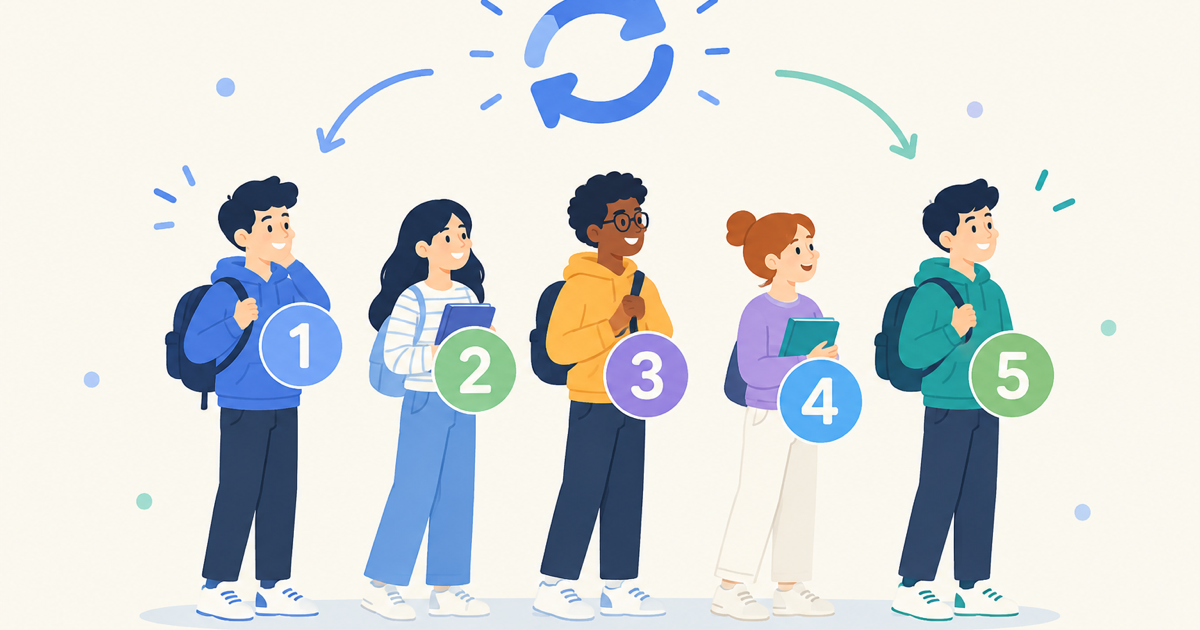
اخلط أي قائمة لتصبح ترتيبًا عشوائيًا مرقّمًا في ثوانٍ — للعروض التقديمية وترتيب الأدوار والصفوف وسحبات اليانصيب، كل ذلك داخل متصفحك.
أدوات الفصل
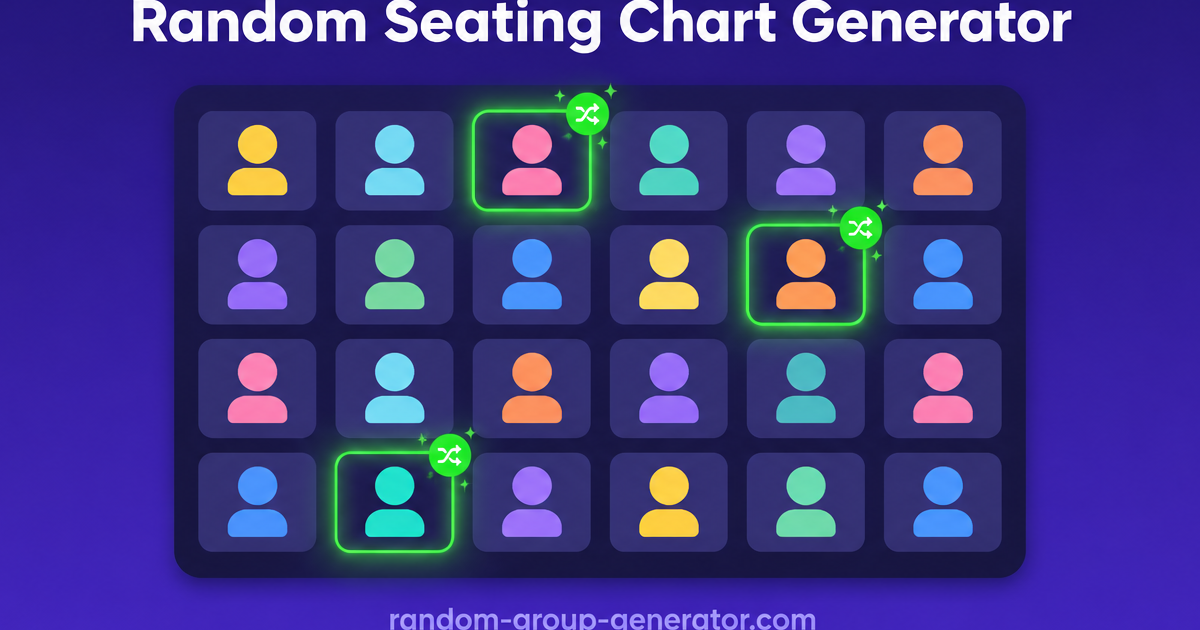
حوّل قائمة الفصل إلى مخطط جلوس عشوائي بصفوف ومقاعد مرقّمة ونتيجة قابلة للطباعة في ثوانٍ.

أدوات الفصل
أنشئ جدول تناوب محطات عادلًا في ثوانٍ — حدّد مجموعاتك ومحطاتك وعدد الدقائق لكل تناوب، واحصل على جدول يمكن لكل مجموعة اتباعه.

مولّدات الأسماء
ولّد أسماء مجموعات عملية بسرعة للصفوف وفرق العمل والفعاليات.
استخدم Group Name Generator عندما تريد أفكاراً عملية للتسمية قبل تشكيل الفرق أو أثناءه.
ألعاب الحفلات
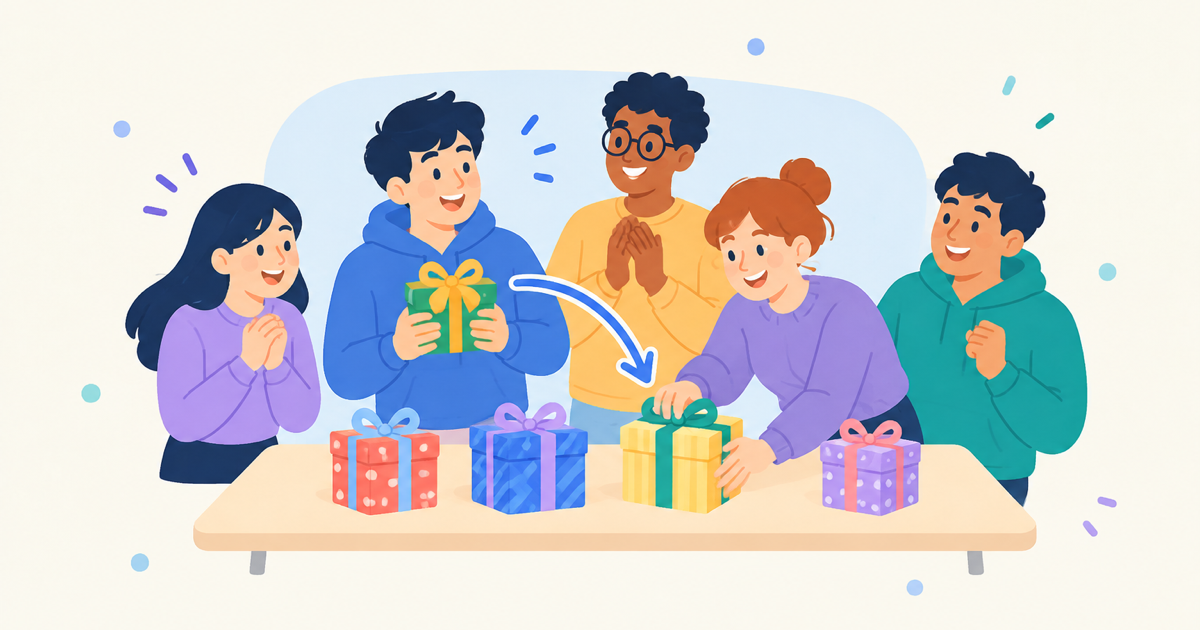
وزّع ترتيب أدوار تبادل هدايا الفيل الأبيض (White Elephant) عشوائيًا في ثوانٍ، مع بطاقات مرجعية لقواعد السرقة تناسب الحفلة كلها.

ألعاب الحفلات
ألصق من 4 إلى 64 فريقًا واحصل على شجرة إقصاء فردي بقرعة عشوائية وتأهل مباشر (BYE) تلقائي — كل جولة مرسومة من أول مواجهة حتى النهائي.

ألعاب الحفلات
قدّر ميزانية عادلة لفعاليتك في ثوانٍ — أدخل الحضور وميزانية كل شخص وهامشًا للإضافات لتحصل على إجمالي مع نطاق تخطيط.
الأدوات
اختر من صفحة واحدة الأداة المناسبة لتوزيع المجموعات أو إعداد الأزواج أو الاختيار العادل أو تسمية الفرق.
إجابة سريعة
تساعدك هذه الصفحة على تحديد المهمة الفعلية أولاً ثم فتح الأداة المناسبة لها.
استخدم الصفحة الرئيسية للمجموعات الكبيرة، وصفحة الأزواج للأنشطة الثنائية، وصفحة الاختيار للمناداة العادلة، وصفحة الأسماء لتسمية المجموعات.
الاختيار حسب المهمة أسرع من فتح الأدوات بالتخمين.
استخدم مولّد المجموعات العشوائية عندما تحتاج إلى ثلاث فرق أو أكثر أو أي منطق لموازنة الأعضاء.
استخدم Random Pair Generator كأداة لإعداد الأزواج أو اختيار الشركاء في نقاشات الصف وتدريبات المحادثة والتقييم بالأقران وكسر الجليد.
استخدم عجلة اختيار الطلاب عشوائياً لمناداة الطلاب والتحقق من الإجابات وترتيب المشاركة.
استخدم Group Name Generator عندما تريد أفكاراً عملية للتسمية قبل تشكيل الفرق أو أثناءه.
مسار بسيط من أربع خطوات من القرار إلى التنفيذ.
قرر ما إذا كان العمل تقسيم مجموعات أم إعداد أزواج أم مناداة أم تسمية.
ابدأ من الصفحة الأكثر تحديداً التي تناسب المهمة.
التقسيم وإعداد الأزواج والاختيار تعتمد على القوائم، أما التسمية فتعتمد على كلمات مفتاحية أو وصف السياق.
أنشئ النتيجة وعدّلها قليلاً عند الحاجة ثم صدّرها أو شاركها.
اختيار الأداة المناسبة يعتمد على سياق الجلسة الفعلي.
يمكن للمعلمين التنقل بين تقسيم الصف كاملاً والعمل الثنائي والمناداة العادلة والتسمية دون مغادرة المنتج نفسه.
يمكن للميسّرين التنقل بين المجموعات الصغيرة والعمل الثنائي والمناداة والتسمية السريعة حسب مجريات الجلسة.
يمكن للمنظمين تسمية الفرق وتوزيع المجموعات وتدوير الأزواج وإدارة المشاركة العادلة من مجموعة أدوات واحدة.
يمكن لمدرّسي الإنترنت استخدام إعداد الأزواج والمناداة العشوائية للحفاظ على إيقاع الحصص عن بُعد.
الحدود الواضحة بين الأدوات تقلل النقرات الخاطئة والرجوع للخلف وإجهاد اتخاذ القرار في اللحظة.
“«الاختيار حسب المهمة بدلاً من التخمين جعل تخطيط جلساتنا أكثر سلاسة بكثير.»”
ارجع إلى هذه المقالات المقارنة عندما تحتاج إلى تحديد الصفحة التي تقود سير العمل.
اكتشف كيف تساعد أداة الاختيار العشوائي للطلاب المعلمين على الحد من التحيز اللاواعي في الصف وضمان المشاركة العادلة لجميع الطلاب بدءاً من اليوم الأول.
اقرأ المقالةإجابات سريعة عن اختيار الأدوات والعدالة وحدود سير العمل.
استخدم صفحة الأزواج عندما يحتاج كل مشارك إلى شريك واحد فقط، والصفحة الرئيسية عندما تحتاج القائمة إلى عدة مجموعات.
نعم. أنشئ المجموعات أولاً ثم استخدم أداة الاختيار لتحديد من يتحدث عن كل فريق أو من يجيب تالياً.
لا، بل مخصص لتسميات خفيفة مثل مجموعات الصف وفرق المشاريع وفريق الفعاليات.
نعم. يمكن نسخ النتائج أو تصديرها أو مشاركتها حسب الأداة وسير العمل.
اختر المهمة أولاً ثم افتح الصفحة الصحيحة.