
random student picker
How to Reduce Classroom Calling Bias with a Random Student Picker
Discover how a random student picker can eliminate bias in classroom cold-calling, increase participation, and ensure every student gets an equal chance. Step-by-step guide and real-world examples.

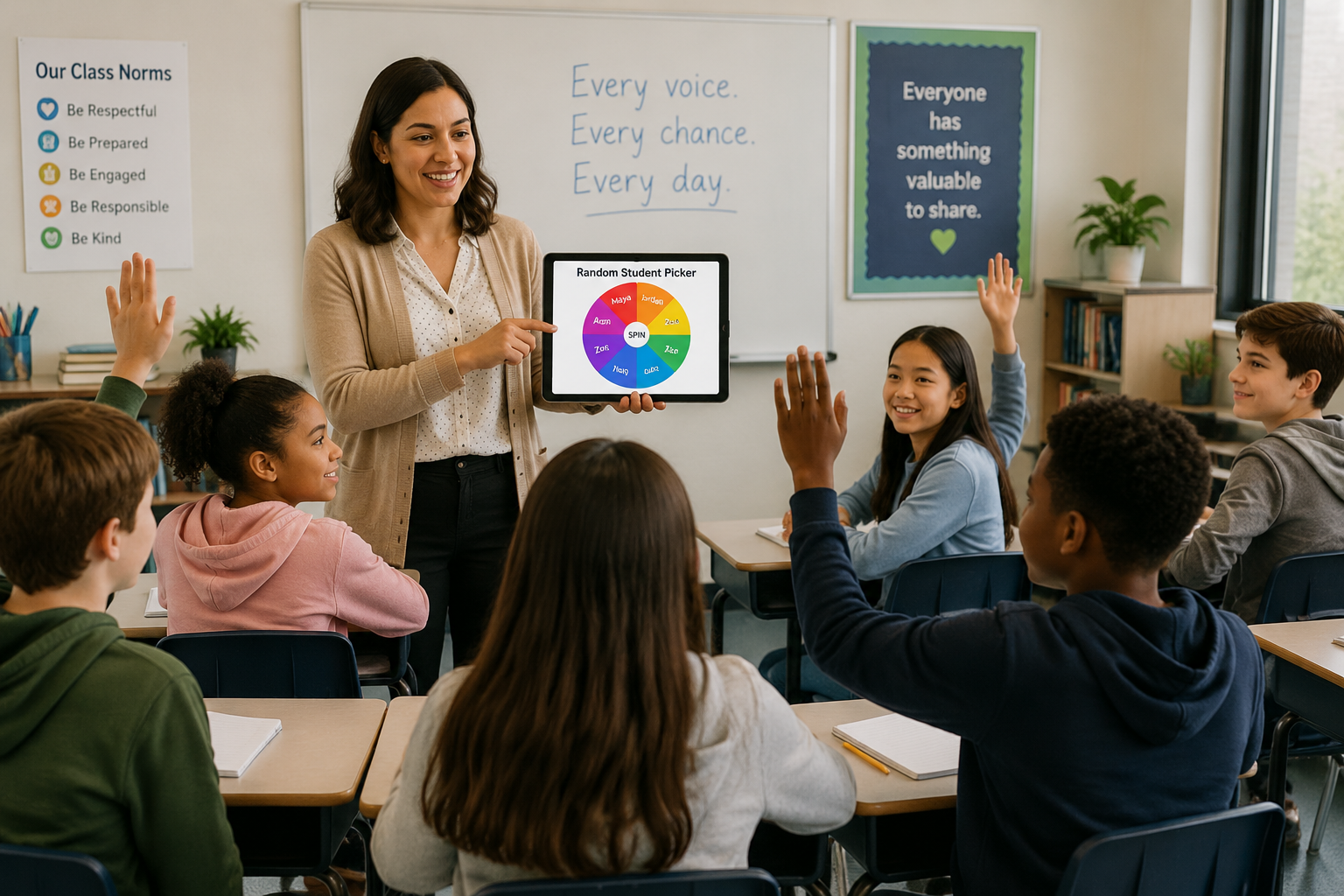
When you scan the sea of faces in your classroom, a few hands always shoot up immediately. Without realizing it, you might call on the same three or four students day after day. Meanwhile, quieter or less confident learners slip through the cracks. A random student picker breaks that pattern by making every student equally likely to be called on, regardless of personality, location, or academic standing.
Why Classroom Calling Bias Happens (and Why It Matters)
The Teacher’s Unintentional Favorites
Every teacher enters the classroom with the intention of being fair. However, human brains naturally take shortcuts. You might call on a student who sits directly in your line of sight, one whose name you remember easily, or a high achiever who you know will give a quick, correct answer. These patterns aren’t malicious, but they systematically leave out students who are shy, struggling, or simply seated off to the side. Over time, those students learn that volunteering isn’t necessary because they won’t be called on, or they feel that their voice doesn’t matter.
The Impact on Student Learning
Unequal calling affects more than just classroom climate. When only a subset of students consistently participate, you lose the chance to check for understanding across the whole room. A student who rarely gets called on may hide gaps in knowledge that only surface on test day. Additionally, students who are never asked to speak in front of peers may miss out on building communication skills and confidence. Research on equitable participation shows that simply rotating who gets called on can lift overall class performance and improve engagement for every learner.
How a Random Student Picker Eliminates Participation Bias
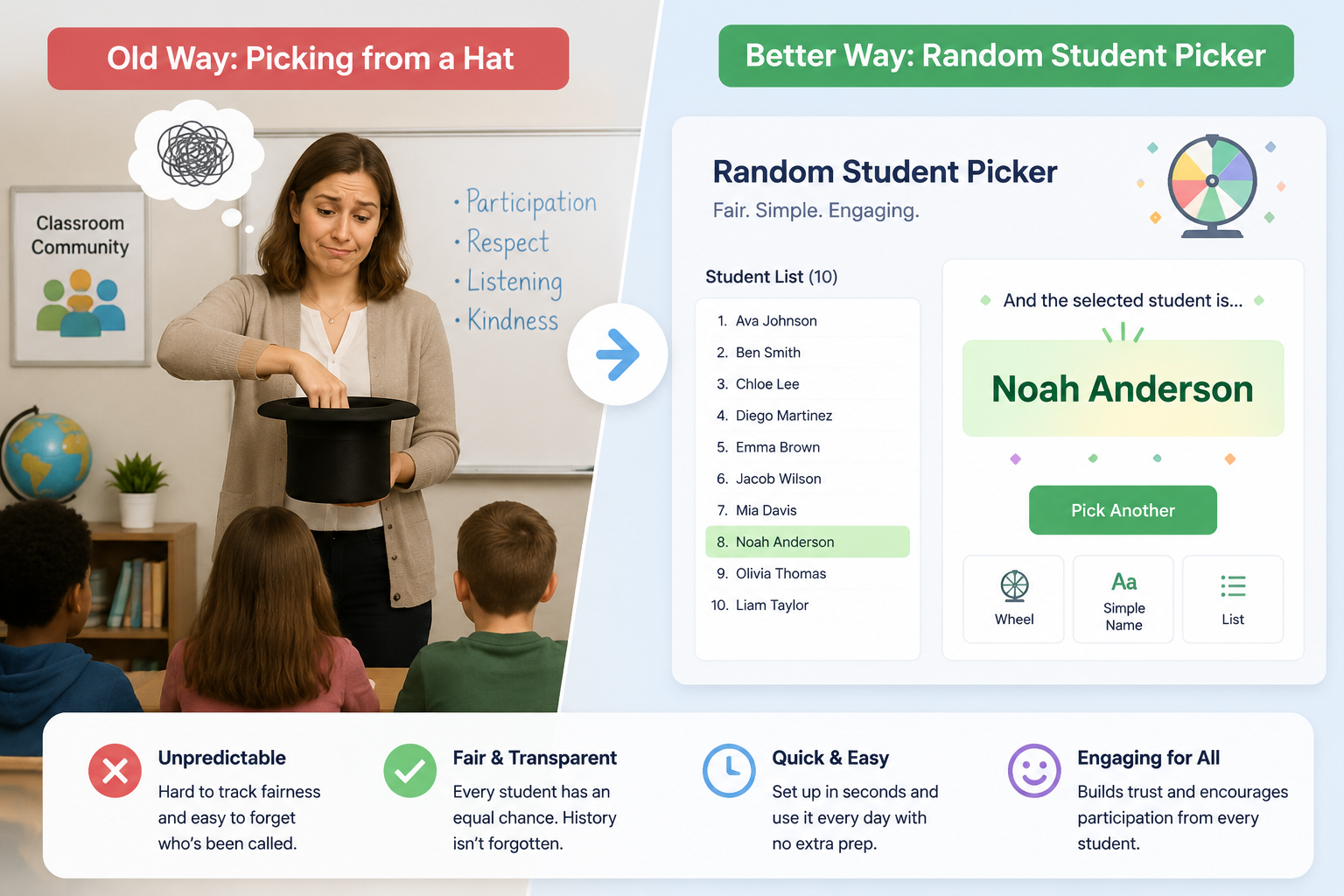
A random student picker is a simple digital tool that selects a student name from your class list at random, much like drawing a name from a hat, but without the physical prep and with added fairness. When you use the Random Student Picker from Random Group Generator, you load your roster once (or paste names directly), and each click produces a new, truly random name. Because the algorithm doesn’t know who has already spoken, every student always has the same probability of being selected—even if they were called on just a moment ago. This randomness forces you—and your students—to shift from a hand-raising dynamic to an all-hands-ready culture. Students realize they could be asked at any time, which nudges them to stay mentally engaged and prepared.
Beyond cold-calling, the tool also offers a save history feature. You can quickly glance back to see who has been called recently and decide whether to adjust manually—though the beauty of the tool is that you don’t need to. You simply trust the randomness, and over a week or two, the law of large numbers smooths out any short-term imbalance. For team activities, you can pair the picker with the main Random Group Generator to form fair discussion groups after you’ve called on individuals.
Step-by-Step: Using the Random Student Picker on Random Group Generator
Integrating a random picker into your daily routine takes only a moment. Follow these steps to get started:
- Open the Random Student Picker.
Navigate to the Random Student Picker. No sign-up is required. The tool loads instantly in your browser.
- Enter your student names.
Type or paste your class list. You can type one name per line, or copy a list from a spreadsheet. If you need to call on students from multiple periods, just create separate lists and switch between them. For instance, “Period 1” and “Period 2” can be saved as different browser tabs.
- Customize the display (optional).
Adjust the tool’s visual settings to match your style. You can choose a spinning wheel, a simple name reveal, or a clean text list. Many teachers project the wheel onto a screen; the carnival-like anticipation adds a fun element while maintaining fairness.
- Call on a student.
Click the “Pick a Student” button. A name appears on the screen. Invite that student to answer your question or share their thought. The tool does not repeat names in quick succession by default, but if you want true independent randomness for each pick, uncheck any lock-out option.
- Review past picks (optional).
After a class session, you can look at the history panel to see who was called and how many times. Use this for your own reflection, but resist the urge to override the randomness too often—the goal is to let the tool do the heavy lifting.
- Integrate with your lesson flow.
Practice using the picker during warm-ups, review sessions, or group discussions. Over a few days, students will come to expect that anyone can be called. This expectation alone transforms the classroom into a place where active listening becomes the norm.
Real Classroom Examples: Before and After Random Picking
Ms. Chen, a 7th-grade science teacher, noticed that during whole-class discussions, the same five students answered 80% of the questions. After two weeks of using the Random Student Picker, she pulled her participation records and found a remarkable shift: every student had been called at least twice, and the former “quiet ones” were now contributing answers daily. One student, Alex, who rarely spoke, told her, “I used to hide, but now I know my name could pop up, so I actually think about the question.” This simple change also reduced her own mental fatigue—she no longer had to scan the room and decide whom to call on, which saved precious seconds of instruction time.
In a university setting, Professor Okonkwo integrated the random picker into his seminar courses. He loaded the roster into the tool and shared his screen during virtual class meetings on Zoom. Students reported feeling more accountable because they couldn’t rely on the same handful of classmates to carry the discussion. Even when the discussion moved to small-group activities, he used the Random Group Generator to reshuffle participants and prevent cliques. The combination of random calling and random grouping dismantled the typical social hierarchies that had built up in previous semesters.
Pairing the Random Picker with Good Teaching Practices
A random student picker is a powerful equalizer, but it works best as part of a broader engagement strategy. If a student is called on and doesn’t know the answer, use buddy support or rephrasing instead of immediately moving on. Let them confer with a partner for ten seconds, then come back. This keeps the spirit of randomness from becoming punitive. Also, celebrate effort, not just correct answers. When students see that being called on is about thinking aloud rather than performing perfectly, the anxiety around “I might not know the answer” drops significantly.
Consider using the picker to assign classroom roles: line leader, materials distributer, or reading-circle chair. Extending randomness beyond academic questions shows students that every aspect of the classroom is open to anyone. Over time, students internalize that they are all valued contributors, which builds a stronger classroom community.
Random Student Picker vs. Traditional Methods: A Comparison
| Method | Fairness | Prep Time | Student Accountability | Fun Factor |
|---|---|---|---|---|
| Hand-raising / volunteers | Low (favors confident students) | None | Low for many students | Moderate |
| Popsicle sticks / name jar | High, but can be manipulated if sticks get stuck or aren’t shuffled thoroughly | Medium (create, maintain sticks) | Medium | Low |
| Teacher mental rotation | Variable, influenced by memory and mood | None | Low | Low |
| Digital random student picker | Very high, algorithm ensures equal probability | Low (paste list once) | Very high, all students must be ready | High, especially with visual wheels |
The digital random student picker eliminates the subtle biases that come with any physical system. You can’t accidentally glance at a name, and the tool never forgets a student who sits in the back row. For teachers who work across multiple classes or co-teach, the ability to save and instantly load different rosters is a game-changer.
Frequently Asked Questions About Random Student Pickers
Does random picking always guarantee complete fairness?
Over a large number of picks, yes. Because each selection is independent and every student has an equal chance, the long-term distribution will be balanced. In a single class period, some students might be called twice while others aren’t called at all, but across a week or a unit, the law of large numbers ensures fairness. You can also review the history to confirm the balance.
Can I use a random student picker for online classes?
Absolutely. The Random Student Picker works in any web browser, so you can share your screen on Zoom, Google Meet, or Microsoft Teams. Students get the same visual experience as in a physical classroom, and the suspense of a spinning wheel can boost attendance and focus.
How does the tool handle students who are absent?
If you have a static list, simply delete or temporarily remove the absent student names before starting a session. Some teachers keep separate rosters for each class period and update them quickly. The tool does not automatically sync with attendance systems, so a quick manual adjustment ensures you won’t call on a student who isn’t there.
Is random picking too impersonal or cold?
Not at all. In fact, many teachers report that students find the randomness fun and fair. To keep warmth, always respond with encouragement when a student is selected. You can precede a call with, “And our random picker says… Maria! Let’s hear your thoughts.” The tool is just a springboard; your relationship with students remains the heart of the interaction.
How can I integrate the picker into my daily routine?
Start small: use it for one activity each day, such as a do-now question or an exit ticket review. Over time, you’ll naturally use it for discussions, peer review pairings, or even picking helpers. Many teachers keep the picker open as a pinned tab in their browser and project it during transition times to keep the pace lively and the focus on the whole group.
Ready to Make Every Voice Count?
A random student picker is one of the easiest, zero-cost changes you can make to transform classroom participation. By taking the decision out of your hands, you free yourself from unconscious bias and give every student an equal stage. Try the free Random Student Picker today and watch who raises their hand—and their thinking—tomorrow.
Sources
- Selection bias — how unrepresentative assignment processes skew outcomes
SponsoredExplore more resources